Operational efficiency
Start with reusable templates and screen layouts
A new reception display or recurring notice does not always need an empty canvas. A suitable existing design gives the team something to adapt: the audience's information, the organization's branding, and any required data connections. This is especially useful when local teams set up similar screens at several locations.
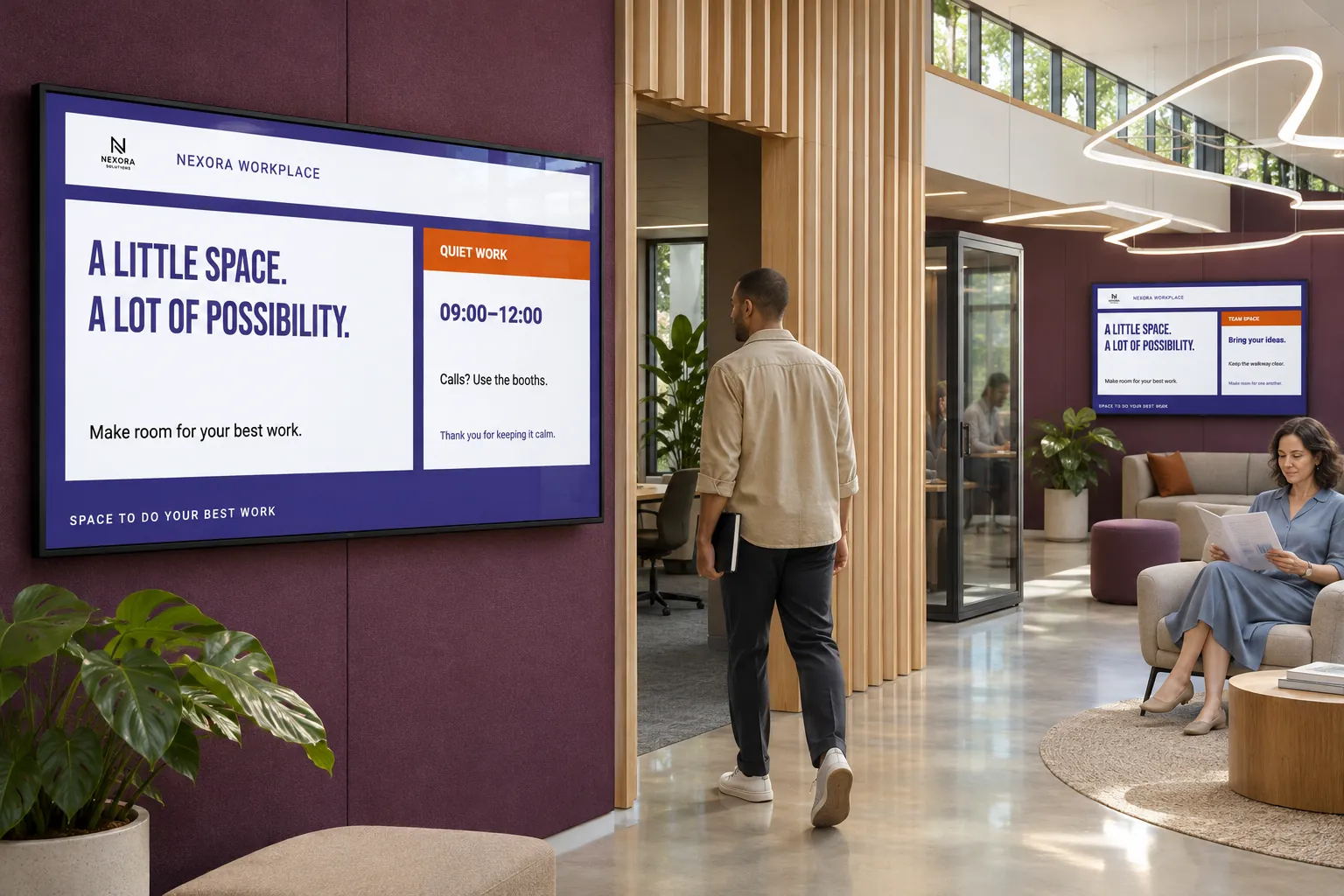
The starting design still needs a route to the screen. Acquiring a template, applying a screen layout, and scheduling a finished media item are different tasks. Understanding that difference avoids content being installed but never shown.
Choose the kind of starting point you need
Marketplace offers templates, screen layouts, Components, and packaged products where suitable content is available. Each serves a different part of the design:
| Starting point | Use it for | How it reaches the screen |
|---|---|---|
| Template | A reusable message or data presentation. | Create smart media from it, then schedule that media in a booking. |
| Component | Part of a design you are editing. | Include it in the design, create the resulting smart media, and publish that media. |
| Screen layout | The overall screen structure, including Channel areas. | Assign it to a screen or folder and supply booked content to its channels. |
A layout is not simply another playlist item. Template categories organize reusable designs; Media Library folders hold finished media and layouts so publishers and administrators can find them again. Download to site explains acquisition. Follow Smart Media to create and publish a message, or Screen Layouts to put a layout on screen.
Adapt a reception layout to the location
Suppose several locations need a reception display with common branding and local information. The team can select a suitable Marketplace layout, check its content and data-source requirements, and acquire it into the active site.
Before putting it on screen, adapt the design and its theme, connect any required sources, and supply bookings for its Channel areas. Template Themes provide shared logos, backgrounds, fonts, and colors to designs that use theme values. Compatible acquired content can use the active site's default theme; designs may still need adjustment. Keep screen content consistent with your brand explains the limits of that shared branding.
Acquiring data-driven content may let you match its sources to compatible connections already configured in the site or leave connections for later. Complete those deferred connections before relying on the content. A ready-made design cannot supply information it has not been connected to.
Assign the prepared layout to a representative screen and check it on the intended player. Once it works, the same structure can serve other screens while local channel assignments supply different information. The shared reception example shows how common and local channels fit one presentation.
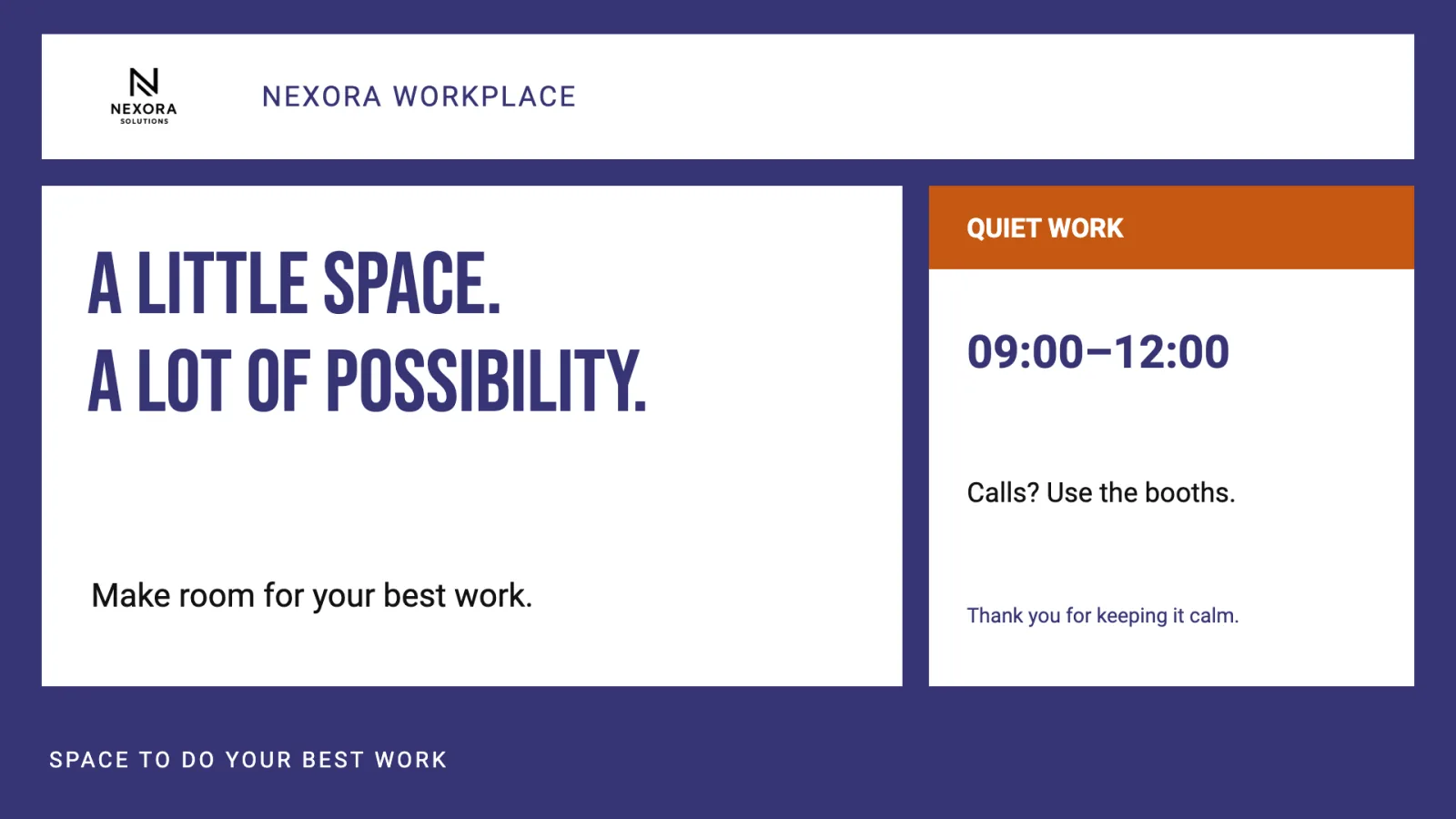
Reuse what fits, then check what changed
The same approach can give communications staff a recurring-message template or let a local team adapt a proven dashboard or wayfinding design for another location. Designers and brand owners maintain the common formats; local teams adapt the information they know.
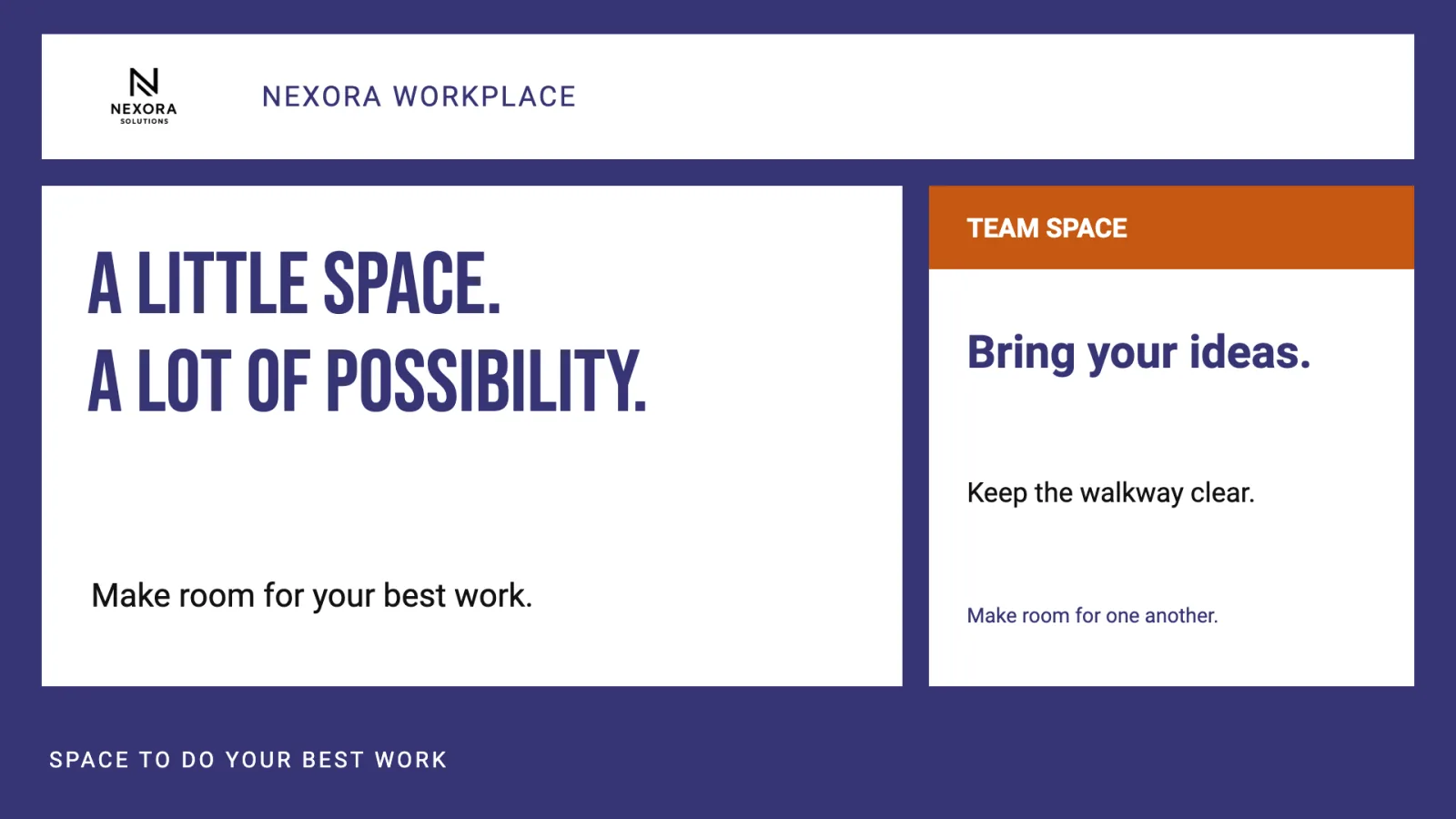
Before reusing a design, check:
- Does its audience and screen format fit the new location?
- Are its branding and data connections appropriate there?
- Can the responsible staff acquire it, edit the design, and assign the layout or publish the booking?
- Does data-driven or interactive behavior work on the actual player type?
These checks preserve the benefit of a known starting point without repeating design work blindly. For an individual design that will be used only once, one-off Smart Media may be simpler than creating another reusable format.