Operational efficiency
Reduce manual content updates
A menu keeps its design while prices change. An activity list gains new entries. A local notice keeps the approved branding while its message changes. In each case, rebuilding the whole screen means repeating work that has little to do with the new information.
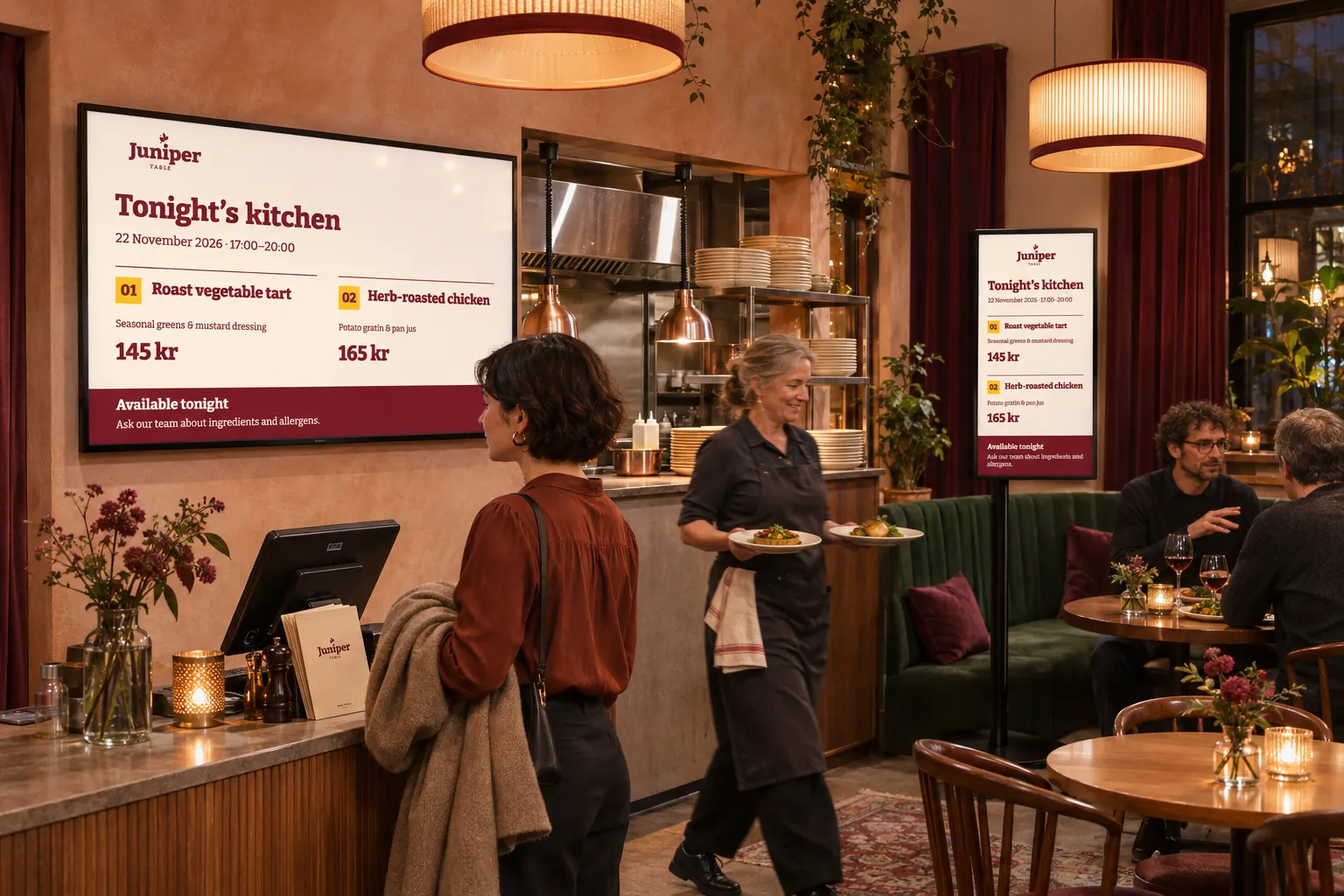
The useful starting point is to separate what stays the same from what changes. Designers can maintain the presentation, local contributors can maintain messages or lists, and business-system owners can maintain information already held in their systems. The booking, channel, and screen setup need not be rebuilt for every content update.
Choose according to how the information changes
Static copies are easy to multiply and hard to keep aligned. Teams may duplicate slides, wait for a specialist to replace a few words, or update one version while another remains on screen. Choose a maintenance approach before producing more copies:
| What changes? | A suitable approach | Follow the example |
|---|---|---|
| Text or images in one notice | Let its owner update designer-selected fields through Quick edit in an existing smart-media item. | Let staff update messages without editing the design |
| Entries in a list maintained in Publisher | Maintain a feed, connected through an RSS data source and template to smart media in a booking. | Maintain rolling lists |
| Values already maintained in another system | Use a supported external connection; designs can share it when they need the same information and settings. | Reuse a connection across designs |
One location may use all three. Communications can prepare campaign notices from an approved template, local staff can maintain visitor or resident information, and operations can maintain event lists or status information. Menus and schedules may be entered locally or supplied by another system.
For prices, offers, and product information already maintained elsewhere, check for structured data, RSS, a hosted page, or a supported integration before creating a second list. Keep menus, prices, and offers up to date compares those choices with manually maintained boards.
Reuse the design without handing over every design decision
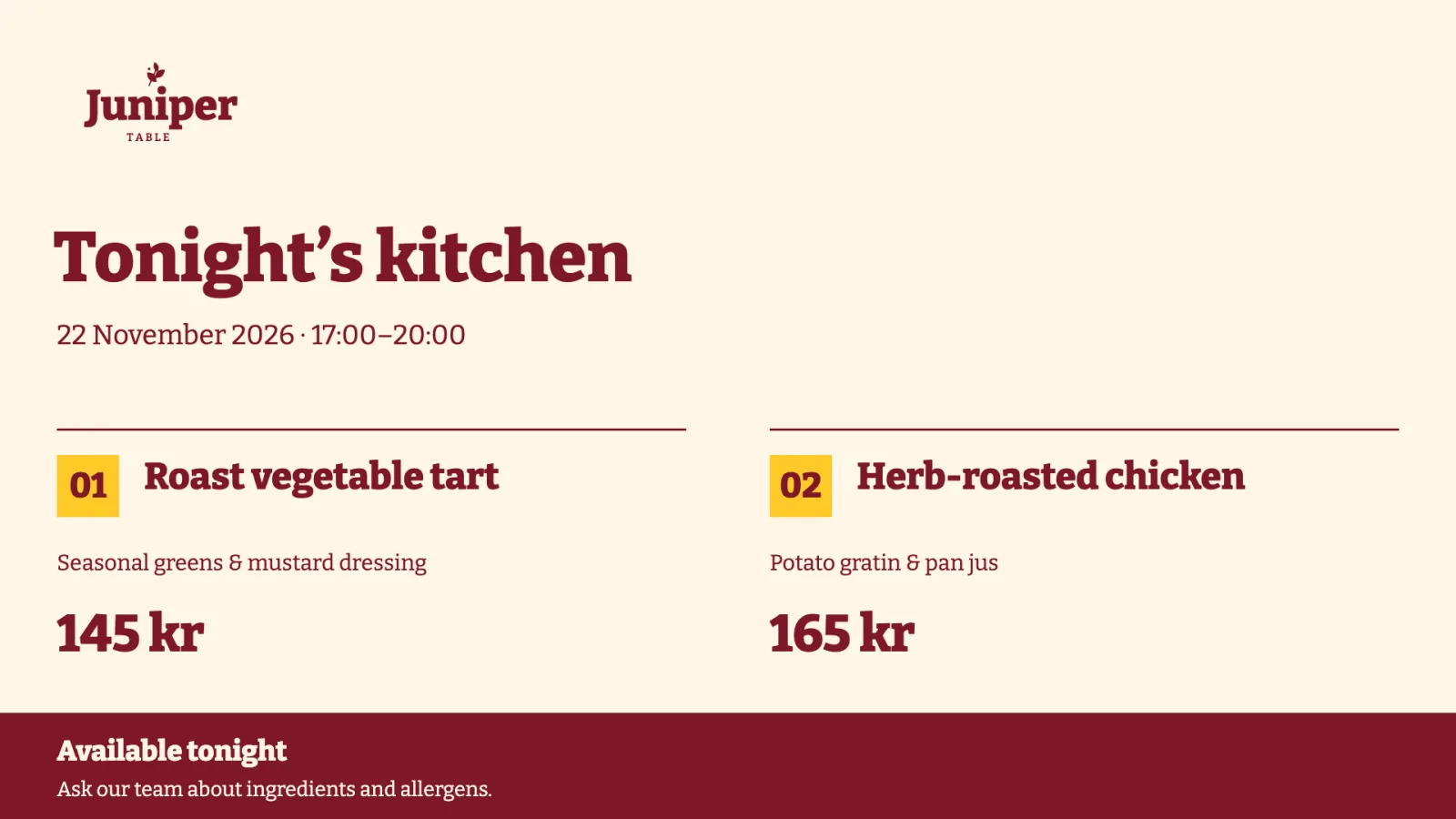
Templates hold the repeated structure. A designer can choose which supported layers are available for quick edit, and contributors can update those fields in the resulting smart media. Quick edit gives them a focused way to change content while designers and brand owners retain the common appearance.
Themes can keep designs that use them consistent, but they do not restyle arbitrary static files. A poster with an embedded logo still needs its own edit. Use a reusable template when future messages need the same structure; choose a one-off item when they do not.
For a collection that changes entry by entry, Feeds let staff maintain the list while its presentation stays in place. Both approaches reduce routine design work, but they give the content owner different things to edit.
Maintain shared connections in one place
Template data sources are managed separately from media items. Several templates and smart-media items can share a connection and its settings. Keeping the connection separate avoids repeating the same maintenance in each item.
Share a source only when its information and connection settings should be the same. Locations that need different settings still need separate sources. A change to a shared connection affects the content using it, and refreshes depend on configuration and connectivity. After changing the source, check a representative screen to confirm that the update arrived.
Make the maintained version easy to find
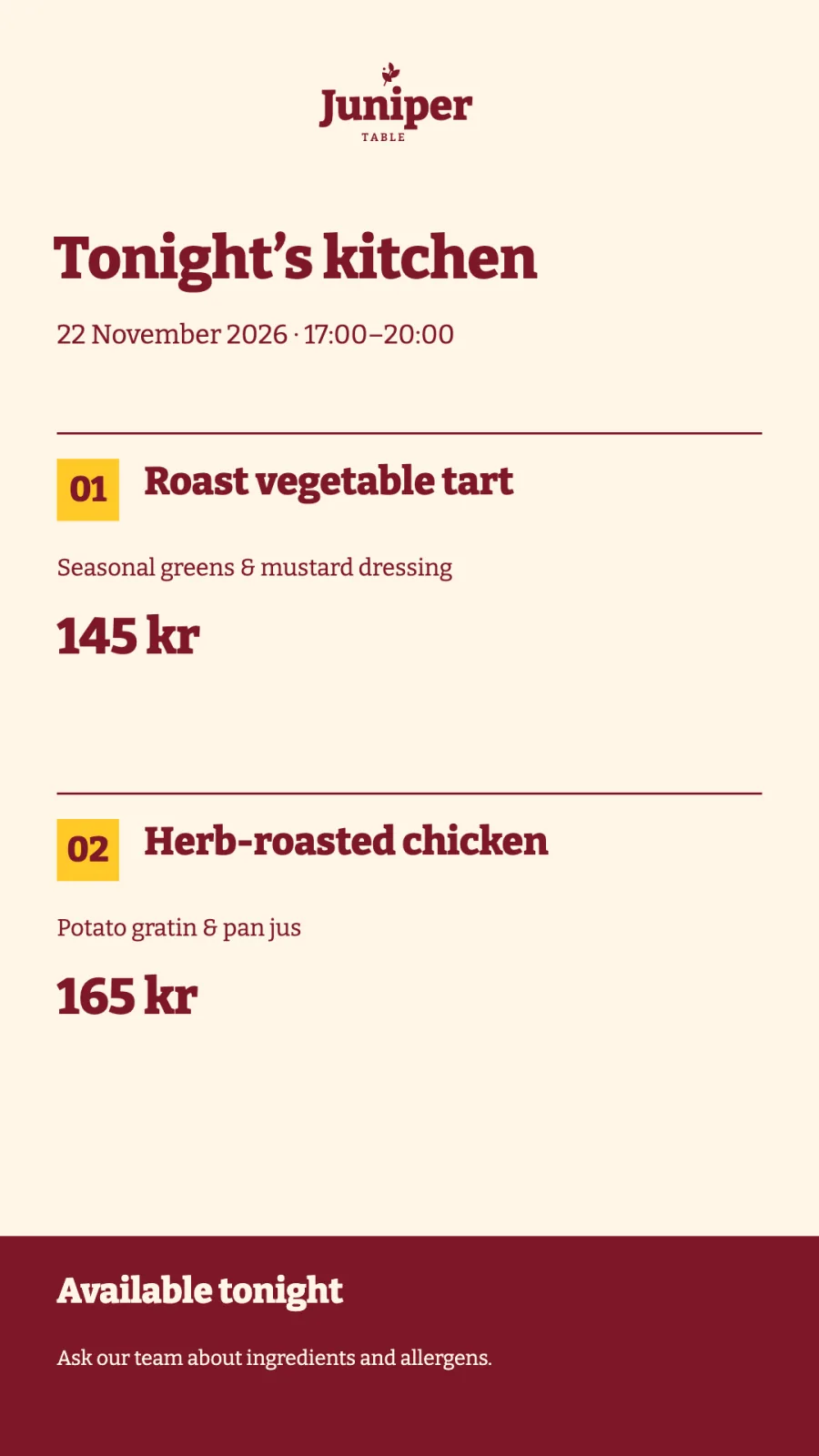
Media Library folders help teams find, preview, edit, and select content again. Reusing an existing item avoids another upload and another copy to maintain.
Agree which person owns each message, list, or source before handing over routine work. That keeps local teams from waiting for avoidable design changes and makes it clear where to correct old information when it appears.