Operational efficiency
Let staff update messages without editing the design
Reception staff may know that a welcome message has changed, while a designer owns the layout. The same division appears when a ward updates visitor information, an operations team changes today's schedule, or a local communicator prepares a campaign variation. Sending every text or image change back to a designer can leave useful information waiting.
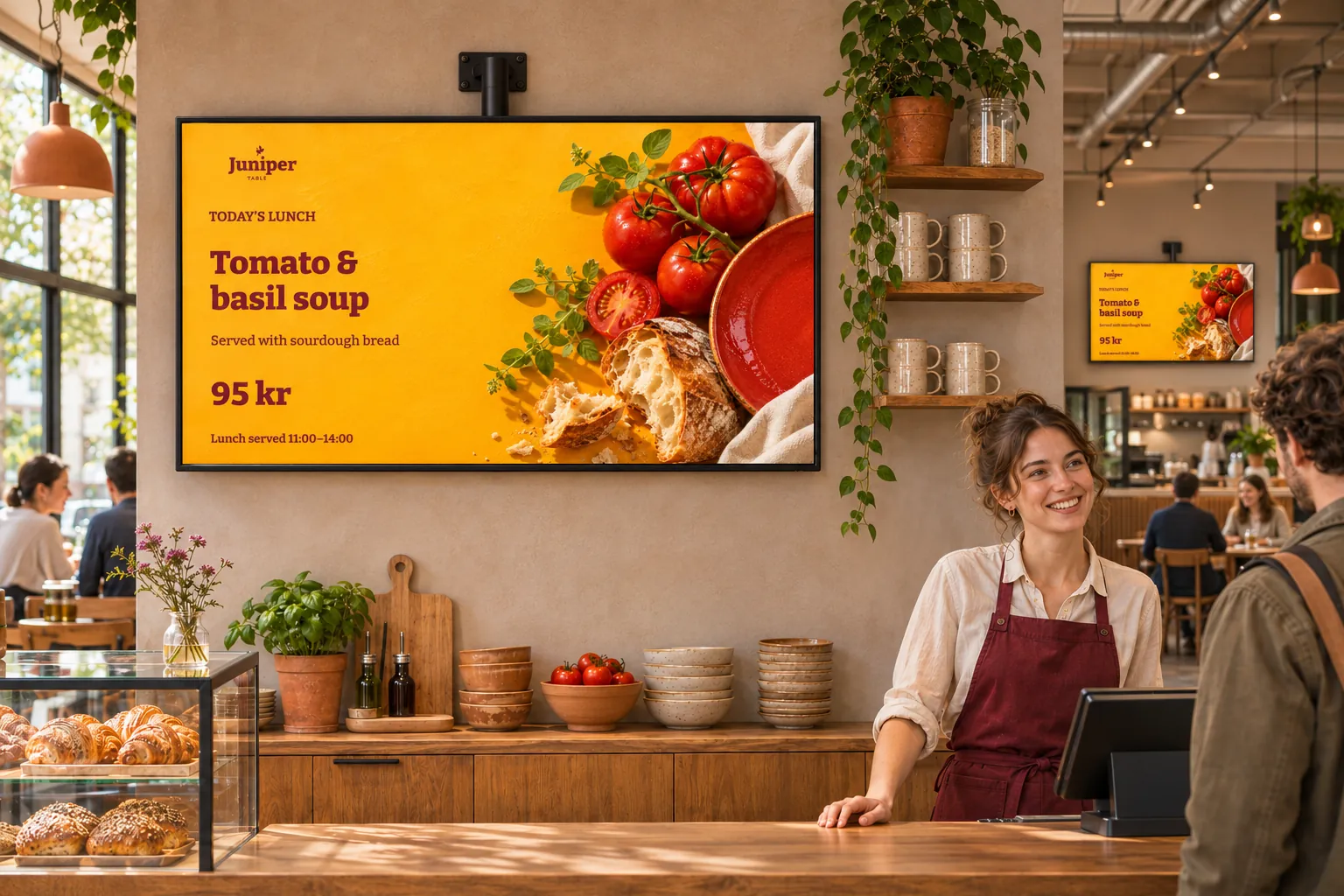
Quick edit gives the content owner a smaller editing task: change the fields they maintain while the surrounding layout and branding stay as designed. The designer prepares that experience once, so routine updates do not require everyone to learn Template Creator or make their own inconsistent versions.
Prepare the fields people will actually change
A template is the reusable design; smart media is a playable message created from it. A designer marks supported layers Available for quick edit so those content fields appear when someone edits the resulting item.
For a local notice, the useful fields might be a headline, body text, and image. Staff can update them through Quick edit without exposing the complete layout, shapes, effects, or styling. Designing for quick edit explains which layers support this and how to enable them.
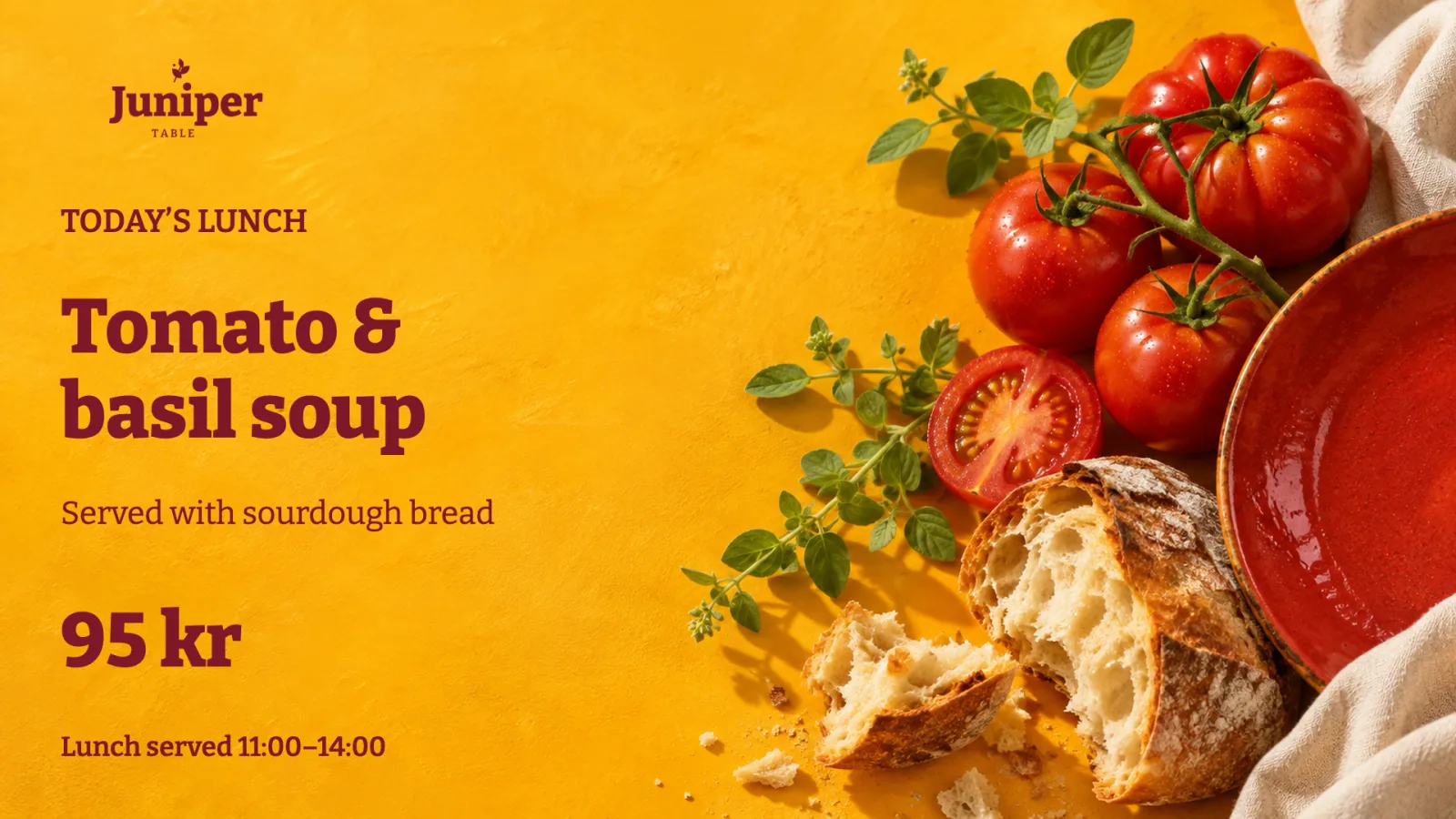
Choose the fields deliberately and try realistic content before handing over the design:
- Does a longer notice still fit as well as a short title?
- Do the images staff are likely to use work in the available space?
- Can the contributor change everything they are responsible for without needing full design access?
Quick edit exposes only supported layers the designer has enabled. Agree who maintains the full design through Advanced editing. Quick edit is a focused editing view; it does not prevent someone who can open Advanced editing from changing the design.
Keep local messages in a shared format
Several smart-media items can use one template while carrying different information. A designer might prepare an approved notice format, then let each local team create its own messages and keep them in the folders it maintains.
When a notice changes, its owner opens the existing item, edits the available fields, and checks the preview. The item remains reusable in the relevant bookings; the team does not have to rebuild the template for each change. Media Library folders help staff find, preview, edit, and reuse that item instead of creating another copy.
Template Themes can supply shared visual identity to designs that use theme values. Designers and brand owners maintain that common appearance, while each team maintains its own message. Keep screen content consistent with your brand explains how themes and local content work together.
Fit the editing task to the information
This approach is useful for more than notices:
- Reception teams can maintain welcome and visitor information.
- Facilities and operations staff can update schedules or menu entries.
- Local communicators can prepare campaign variations within an approved format.
- Ward and resident-service teams can maintain practical information for their own audiences.
The content owner knows what the message should say; the designer makes sure it fits. If the information changes as entries in a list instead of fields in one message, rolling feeds may be a better fit.
Editing also needs to fit the team's responsibilities. Give staff access to the media folders and channels they maintain. Publishing or approving a booking requires separate access from changing its content, so agree who owns the message, its schedule, and any review before it reaches screens.