Governance and control
Use internal information on screens with controlled access
An operations team may want an internal dashboard on factory screens. Before choosing a view, it needs agreement on what information may be displayed, how screens will reach it, and who will maintain the connection. The people publishing the message, granting access, and supporting the player do not necessarily need the same controls.
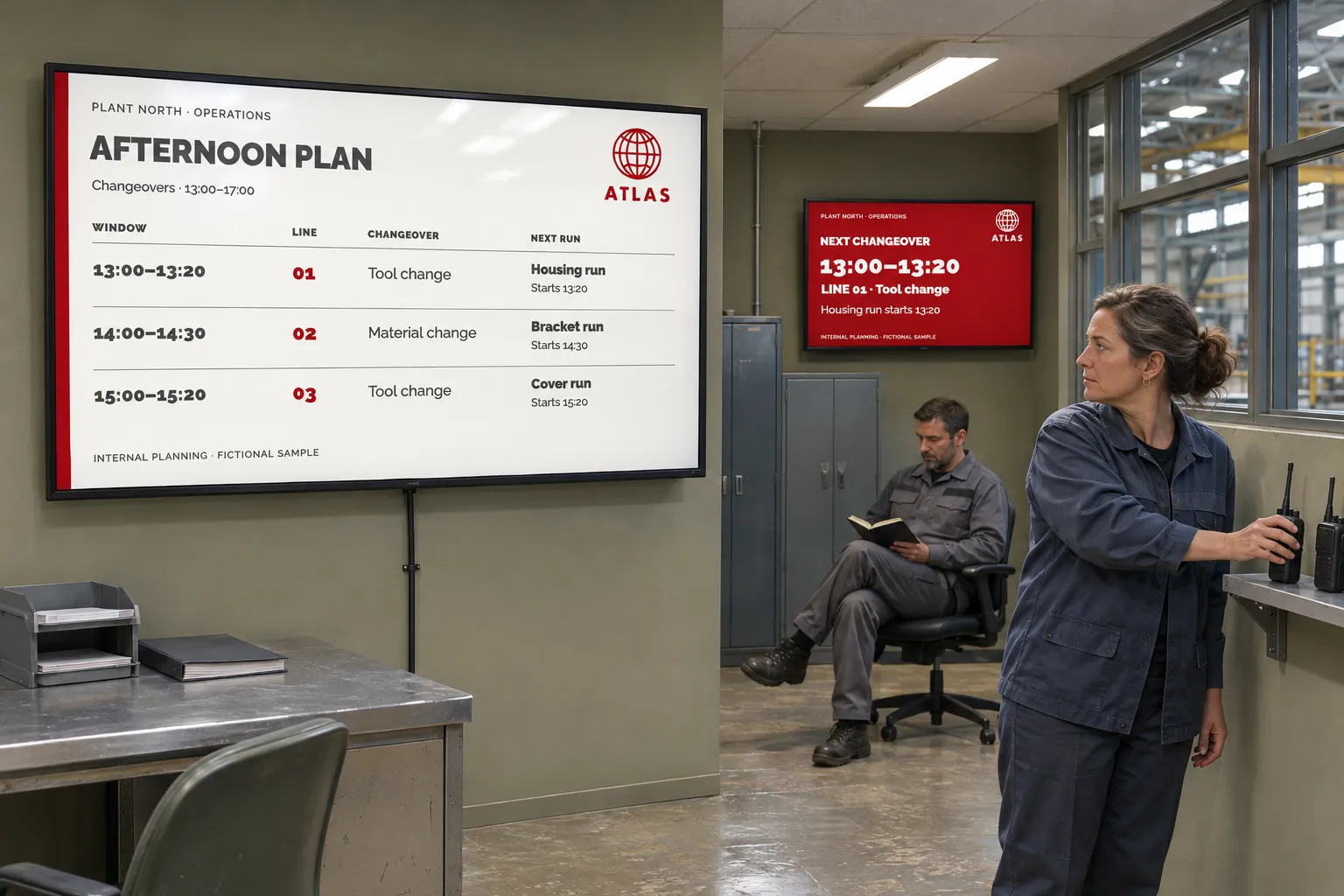
These questions also arise in healthcare, public services, large organizations, and on-premises installations. Clarifying them early avoids manual copies of secured information and broad access grants made simply to get a task done.
Start with the information owner and the screen
Ask the source owner which dashboard or structured data may be displayed. IT can then check source access and the network path from the installed screens. Choose between a supported webpage view and a data-bound template according to what the source provides.
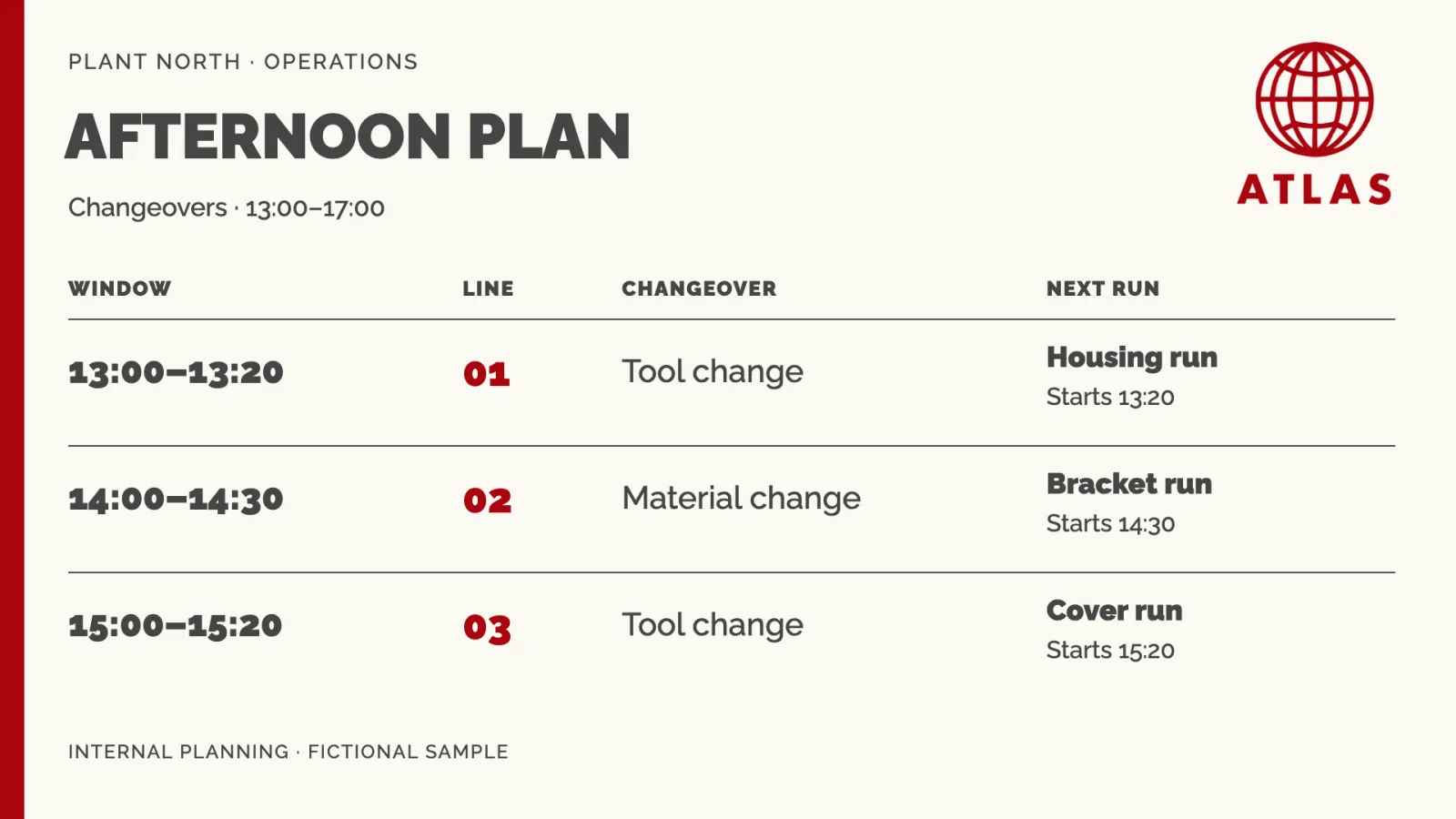
A secured webpage depends on authentication, playback mode, player, and network compatibility. Webpage settings provide applicable login, cookie, or custom-header options; they do not guarantee that every secured page works. Show dashboards and web pages with restricted access explains those conditions.
For a custom connection, Use partner and custom integrations for screen content helps agree how the data reaches the display and who supports that arrangement.
Specialized or on-premises installations may also use nonstandard display formats. Design content for large and unusual screen formats covers that additional design decision.
Separate content responsibility from administrative access
The publishing team needs access to the content and targets it maintains. User profiles combine an access type with action permissions. Groups grant access to particular screens, channels, media folders, feeds, data sources, and tag folders.
Group restrictions apply to Group Access; Site Access reaches across the site. A group does not grant an action missing from the profile. Other memberships and direct grants may also add resources, so review the complete assignment rather than looking at one group in isolation. User types and profiles explains the combined effect.
Use invitations and explicit assignments for new contributors, and revisit their access when responsibilities change. This lets local teams maintain their information while IT, communications, and support keep the access needed for their own work.
Groups provide scoped working areas within a site. They do not meet every requirement for isolation: some units need separate user assignments, resources, settings, and administration. Choose how teams share a signage site helps settle that boundary.
Agree who maintains the setup
For site-wide questions, Manage and support your signage site identifies responsibilities and escalation. Agree how the publishing team will involve the people responsible for source access, the connection, and the installed players.
In the factory-dashboard example, the handoff can be kept explicit:
| Responsibility | What needs an owner |
|---|---|
| Information | What may appear and who keeps the source current |
| Connection | Source access, network reachability, and any integration |
| Publishing | The chosen view or template and its intended screens |
| Administration | User assignments and player configuration |
Test the view where it will run
Use the intended player type and configuration on the actual screen's network, not only Publisher preview. Check authentication, the selected Live or Snapshot mode, and that source updates reach the display. Also test loss of access and prepare fallback content for an unavailable internal source.
A working connection in one setup does not establish compatibility with another source or player. Recheck the content when its source, access settings, or player configuration changes. These checks keep the content and its technical dependencies connected to the people responsible for them. The Use cases collection contains related ways to make internal information useful on screens.