Data-driven signage
Turn business data into screen content
Production KPIs, menus, room availability, queue status, calendars, reports, and public notices often already exist in a system someone maintains. Copying them into spreadsheets, screenshots, slides, or manually edited messages creates another version to update. The screen can end up showing older values than the source.
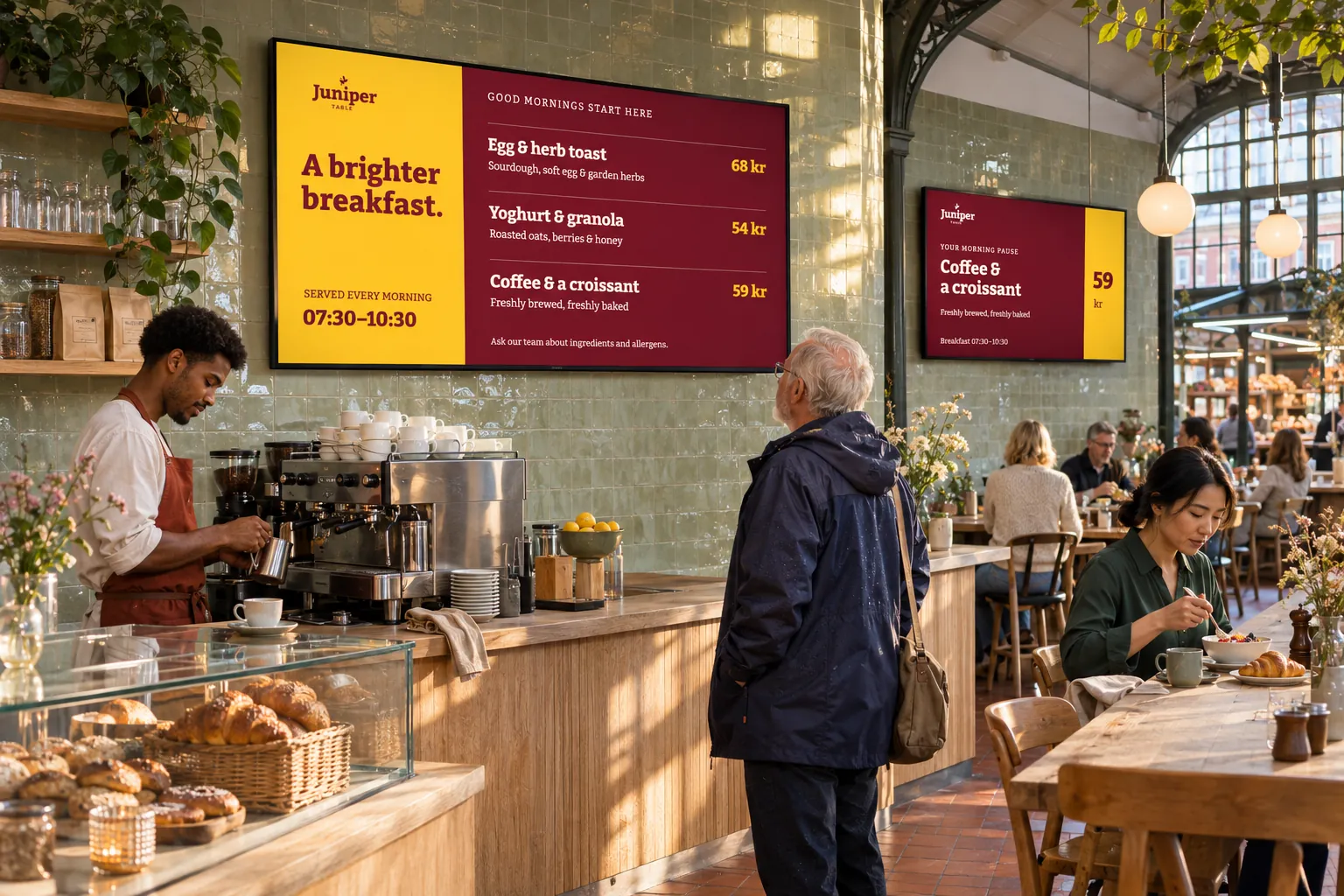
A supported connection can bring the information into a reusable presentation. Keep the source as the place where its information is maintained, while the screen design selects what the audience needs. Communications teams can reuse the design, IT and source owners can maintain the connection, and local publishers can manage content selection, targets, and schedules.
Choose the form in which the information reaches the screen
The available source and the desired presentation determine the approach:
| What you need | Approach |
|---|---|
| Selected values in your own design | Template Data Sources connect structured values to fields in a template. The template controls the layout and can use a theme. |
| A view already designed by the source system | Webpage media reuses that page. Secured pages need compatible authentication, playback mode, and player behavior. |
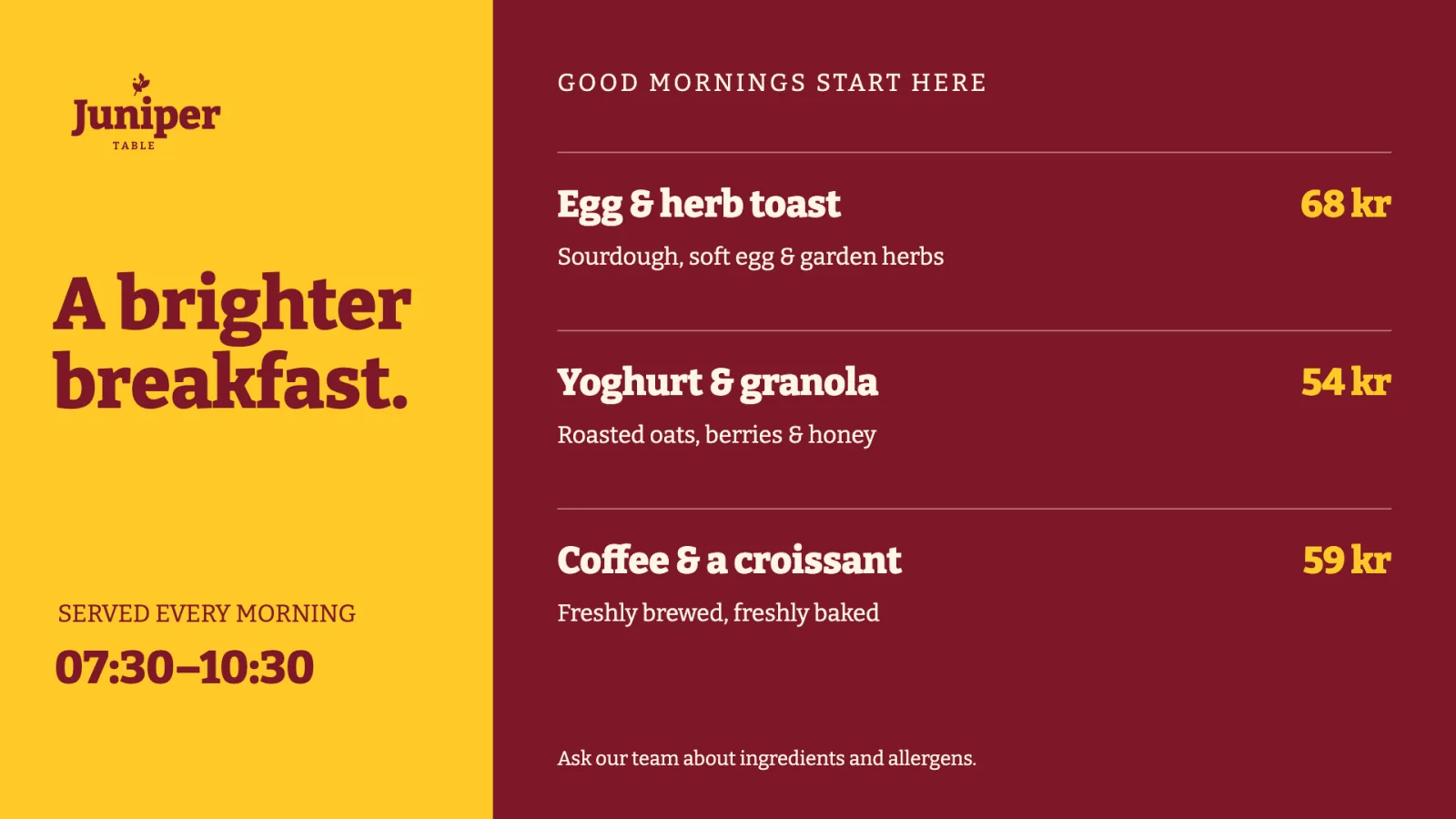
For structured data, Dynamic content lets you create smart media from the source and publish it to the appropriate channels and screen folders. For a secured page, Webpage settings may provide supported access options; secured web views explains their device and authentication conditions.
Agree with the source owner what information is available, how to access it, how often it updates, and who supports the connection. A booking tool, POS, ERP, or custom service needs a supported connection configured for the installation. Partner or custom integrations explains that preparation.
Reuse a connection across designs
A company news feed can serve both a landscape reception design and a portrait staff-information design. Connect both to one shared data source and bind the fields each layout needs. The connection is maintained in one place while the designs control their own presentation. Refreshes follow the source's configured behavior and require a working connection.
Different offices may instead use different RSS feeds while sharing the same news design. Create separate RSS data sources for those feeds. In Template Creator, Replace can select the other office's compatible source and rebind the layers using the former source. Preview the result and save the template or smart-media item being edited. Sources already connected to that design cannot be selected again as replacements.
Replacing the connection in a design changes that design. Editing a shared data source changes the source used by its connected content.
Use one source when the information and connection settings should be the same. Use separate sources when those settings must differ. This avoids both maintaining a duplicate connection for every design and accidentally changing shared settings for a location that needs different data. Template Creator introduces data-source connections, and Smart Media covers creating and publishing the resulting content.
Select information for the people in each location
The same approach can serve shop floors, receptions, wards, stores, meeting rooms, and other shared areas, with different information for each audience:
- Production teams can show KPIs and LEAN metrics.
- Retail teams can show menus, offers, products, and availability.
- Facilities can show room and event schedules.
- Reception teams can show queue numbers, waiting times, or service status. A queue display still needs an external queue-management system.
- Healthcare and public-service teams can select operational information and notices for staff, patients, visitors, or citizens.
Before reusing a design elsewhere, test it and a real source update on the target screen. Updates depend on the source settings and connectivity and may not appear immediately. The team should know where each screen gets its information and how to check that changes arrive.
Keep local lists and event responses distinct
If staff maintain the information locally in Publisher, a Smartsign feed may be more appropriate than another external connection. It keeps that list with the people responsible for it while a design supplies the presentation.
If an external event should change screen behavior, configure and test a separate external-event interaction. An ordinary data source does not automatically supply those interactions. Choosing the right approach depends on whether you need changing information, a maintained list, or a response to a condition.
For related applications, browse the other use cases.