Data-driven signage
Make performance dashboards visible to the team
A production team may need to discuss current output against its target without waiting for the next meeting. A continuous-improvement team may want its LEAN board visible between reviews. When the relevant figures remain in specialist tools or copied screenshots, the people doing the work may have no shared view of their status.
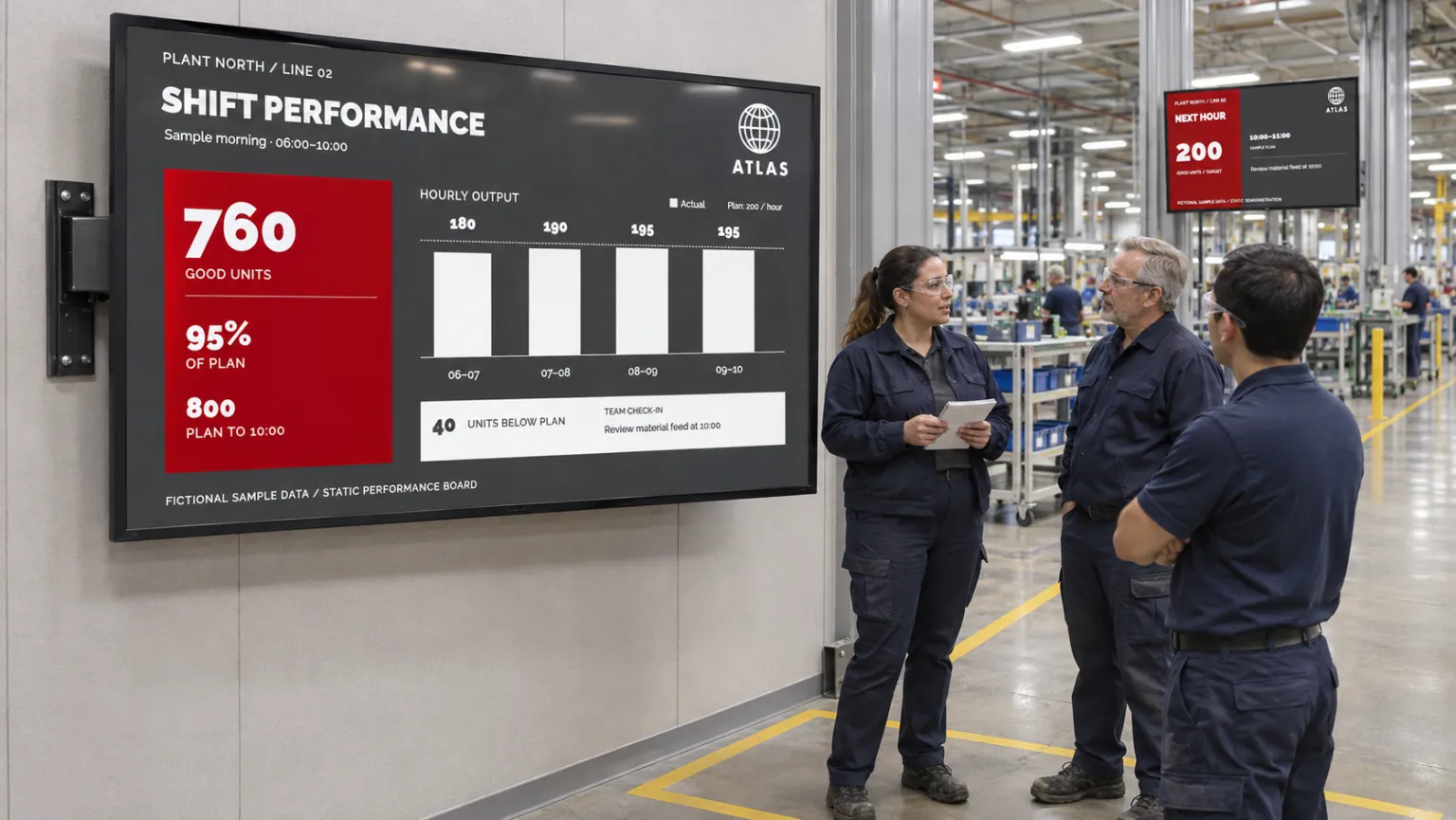
Start with the decisions people make in that location. Choose the metrics they need and how often those figures must update. A screen filled with every available measure can be harder to use than a smaller, readable board.
Choose between connected values, an existing page, and a document
The source determines both the board's appearance and the work needed to keep it current:
| Source | Presentation and maintenance |
|---|---|
| Structured values | A Template Data Source supplies fields to a reusable KPI-board template. Dynamic content creates smart media from the source; its settings determine how the values update. |
| An existing dashboard | Webpage media reuses the page's own presentation. Live uses the device browser; Snapshot shows a static image refreshed at an interval. |
| An exported board or table | Excel or another supported office document supplies a published report. Someone must replace or update it when the underlying report changes. |
For structured values, templates provide the reusable board design, and Template Creator covers connecting the source to the design. Connected boards depend on configured refresh behavior and a working connection. An exported document keeps showing its saved figures until someone updates it; see Media Library for maintaining media items.
For an existing dashboard, test authentication, network access, and readability on the actual player. An internal page may work in Publisher preview yet remain inaccessible in the playback environment. Secured web views covers those conditions. Make the chosen update method clear to the people relying on the screen.
Put one useful board in the team's work area
Choose one production area, prepare its metrics using a supported source, and publish the board through an operational channel to the relevant screen folder. Publish on Channels explains how to schedule the content, and screen folders let placed screens inherit their channel setup.
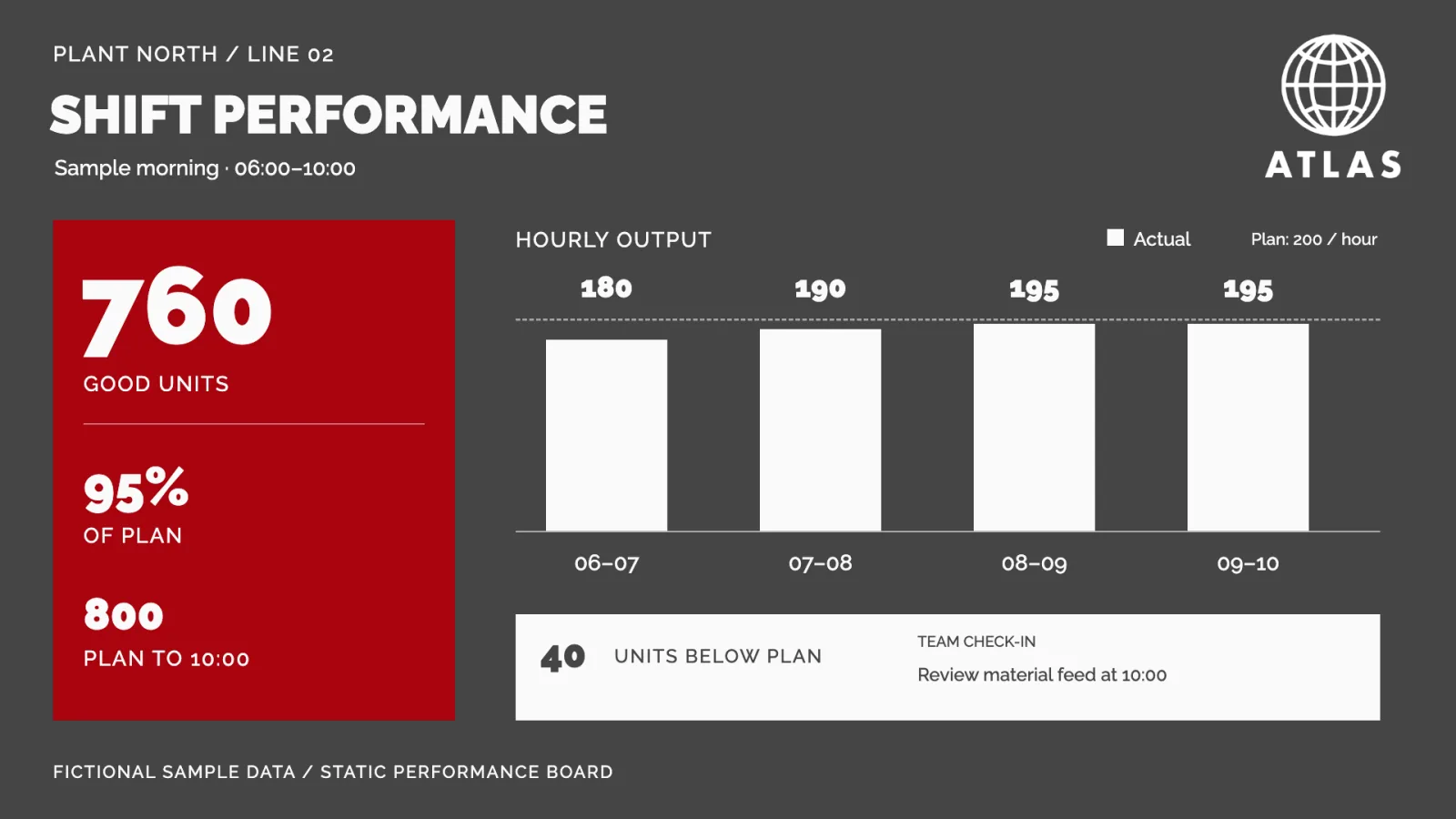
Check a real source update and actual playback before using the board during a shift. Production staff, supervisors, continuous-improvement teams, and site managers should be able to refer to the same information without waiting for someone to update a presentation. Agree who maintains the source and who checks that its changes reach the screen.
The same approach can serve a service operation's current metrics, a departmental dashboard, or a site's spreadsheet report. Where the source and access suit several locations, reuse the design or connection after confirming that the information fits each audience.
Leave room for related messages
A board may need to share the display with safety counters, employee news, activity schedules, or service notices. Use scheduled bookings for shift and local messages. Choose a separate information zone when the board and notices need to remain visible together; otherwise a separate scheduled item may be enough.
Factory-floor communication and non-desk employee communication explain those combinations. Keep source and publishing responsibilities clear as the design expands to more locations, so adding notices does not leave the operational board without an owner.
For related applications, browse the other use cases.