Data-driven signage
Use partner and custom integrations for screen content
A booking tool, operational database, menu service, calendar, or customer-specific application may already hold the information a screen needs. A connection can remove the recurring work of copying each change into a slide or screenshot. The first question is what the source can actually provide.
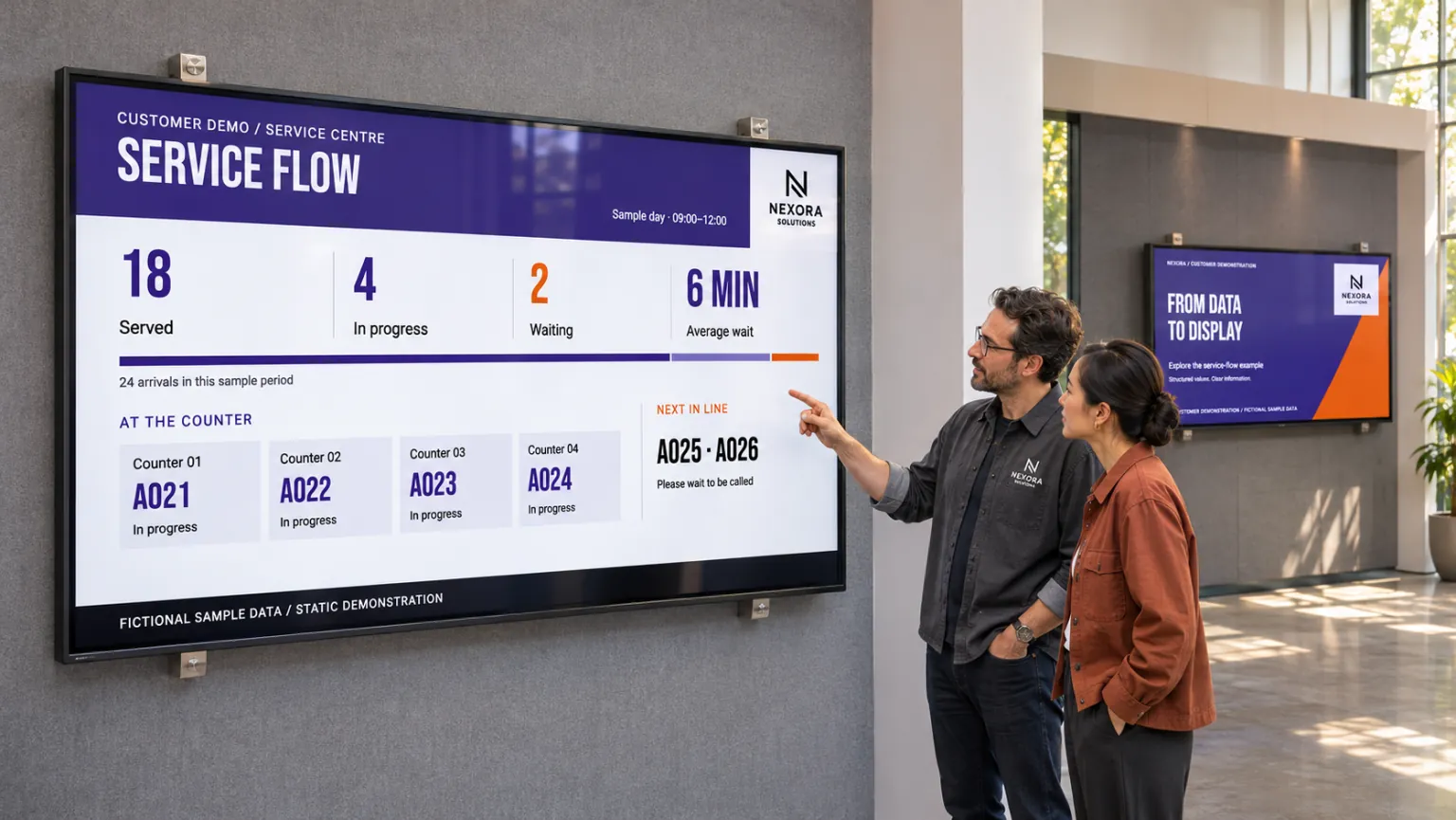
Agree that with IT, the system owner, and any integration partner before designing the screen. A useful view and a maintainable connection depend on the available output, access, and support responsibilities—not just on the name of the business system.
Match the connection to the available output
| What the source provides | How it can reach screen content |
|---|---|
| Structured values | A Template Data Source supplies fields to a designed template. |
| A page that already presents the required view | Webpage media preserves that presentation, with its own network, authentication, playback-mode, and player requirements. |
A template controls the arrangement of structured values and can use a theme. Through Dynamic content, you can create smart media from the source, then publish it through the appropriate channels and screen folders. Secured dashboards and web views explains the different conditions when the source supplies a finished page.
Confirm the information and audience before building
The same connection approach can serve different business needs:
- Operational databases may supply production status, KPIs, or LEAN-board values.
- Queue or service systems may expose waiting times and status.
- Booking and calendar systems may supply room availability.
- Menu, POS, ERP, or e-commerce systems may provide prices, products, and offers.
For each, confirm that the named system supplies the required fields or hosted view and that a supported connection exists for that output. Choose data and access for the intended public-information, healthcare, retail, or workplace audience. The deployment must be able to reach and authenticate to the source.
Keep the division of responsibility clear: the system owner maintains source-data quality, the integration team maintains the connection, and Publisher users maintain the design, targets, and publishing schedule. Otherwise a connection that works at installation can become difficult to support later.
Prove one complete update before reusing the solution
For a service dashboard, a partner and the system owner first agree the output, access requirements, update behavior, and support responsibilities. The technical team prepares the supported data connection. A designer then binds the fields in one representative template and creates smart media for a booking on the intended channel. Template Creator covers connecting a source to a design; Smart Media covers creating and publishing the resulting content.
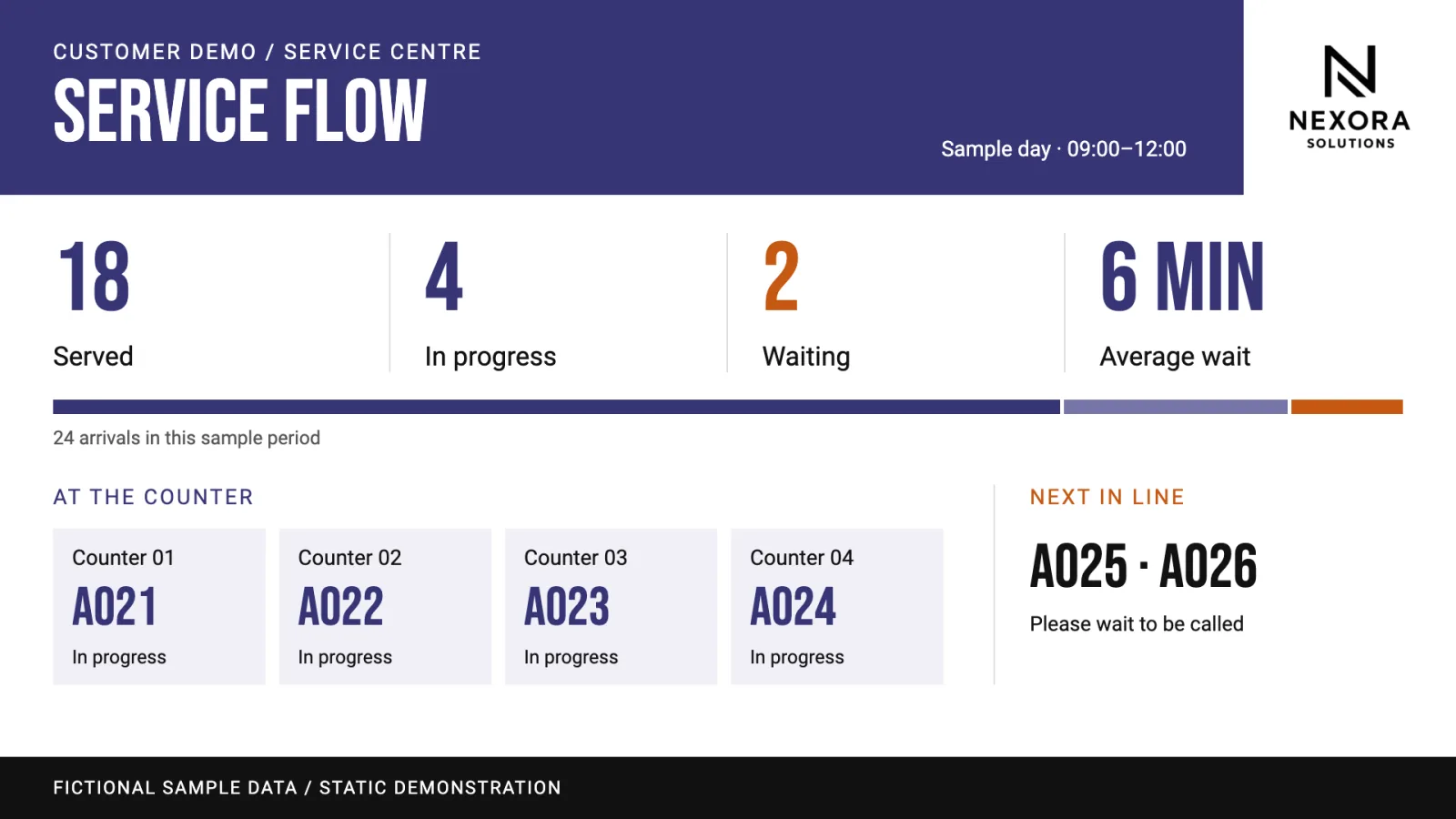
Test a source update on the actual screen, then test what happens when the connection fails. A successful first preview does not establish that later changes will reach the display. Confirm how the team will distinguish a source-data problem from a design or publishing problem.
Once the arrangement works, you can reuse the design at another location. Recheck branding, source settings, access, and connection availability there; an integration available at one customer may be absent at another. Reuse a connection across designs explains when designs can share a source and when different settings require separate sources.
Treat event-driven changes as a separate requirement
If an external event should change what the screen shows, someone with the required access must configure and test that interaction separately. An ordinary data connection supplies information; it does not make the screen react to an event. That needs Webhook data sources and interactions prepared in the layout, as described in Show a notice when another system reports an event. Agree that requirement explicitly instead of discovering it after the data connection is complete.