Data-driven signage
Share production updates and safety information on the factory floor
A production team may need to compare current output with its target, follow an improvement priority, and read a safety reminder during the same shift. When those messages stay in specialist systems, meeting notes, email, or printed boards, supervisors repeat updates and employees away from desks can miss them.
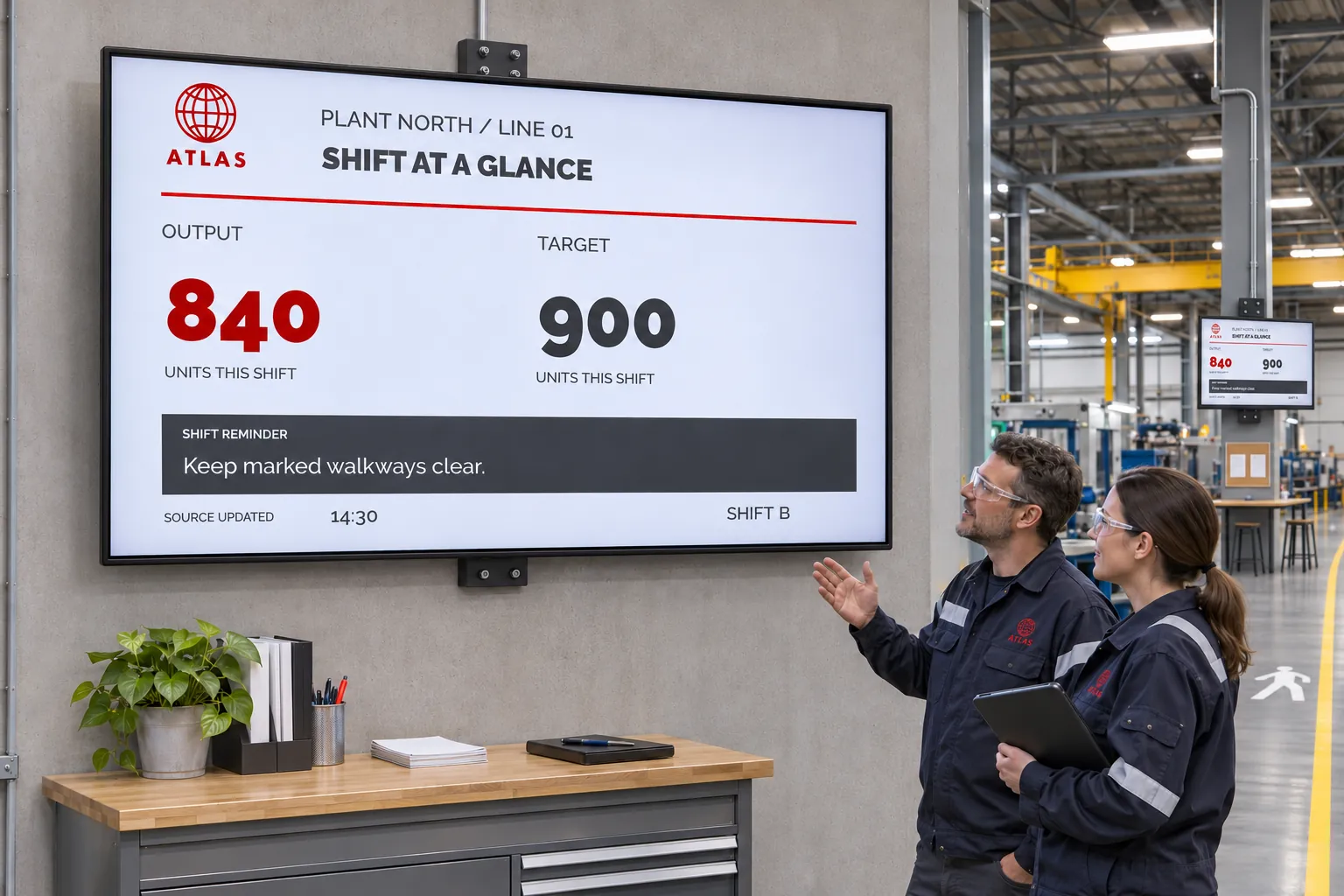
A shared screen can bring the relevant information into the work area. Choose it for the line, department, or shift that will use it, and decide who maintains each figure and message. A board copied from yesterday's report can look current without being current.
Match each part of the board to its source
A board can combine information that changes in different ways:
| Information | A suitable way to maintain it |
|---|---|
| Production KPIs, LEAN-board values, or a live safety counter | Connect a supported source to a reusable design. The source must supply the underlying values; the design does not create them. |
| An existing operational dashboard | Display its webpage, subject to the page, authentication, and player requirements. |
| A report without a live connection | Publish a spreadsheet or other supported document and update it when its figures change. |
| A fixed safety reminder or process instruction | Publish an image, video, or document. |
| A reminder whose wording local staff change | Expose supported template fields through Quick edit and publish the resulting smart media. |
Template Data Sources connect operational values to fields in a design. Templates provide the reusable KPI, safety, or LEAN-board layout, and smart media makes that content playable. Make performance dashboards visible to the team compares the connected, webpage, and document options in more detail.
Keep the source owner responsible for the metric or counter, and identify who maintains the screen message. Agree what the board should show when a connected source is unavailable. Refreshes follow the source configuration and require a working connection, so check source updates as well as appearance.
Put the board in the relevant work area
A production team can show output against targets; a continuous-improvement team can keep a LEAN board visible between meetings. Safety and quality teams can send reminders or process instructions to the area that needs them. Department dashboards can share the display with shift information and local announcements.
Use channels and screen folders to reach the relevant line, department, or site. Scheduled bookings carry shift messages and notices. Choose a separate information zone when the dashboard and notices need to remain visible together.
For example, a designer prepares a board with operational fields and a place for safety information. A supported source supplies the values, local staff maintain the approved message fields, and a booking publishes the smart media through the department's operational channel to its screen folder. Template Creator explains connecting data to the design; Smart Media covers creating the playable content.
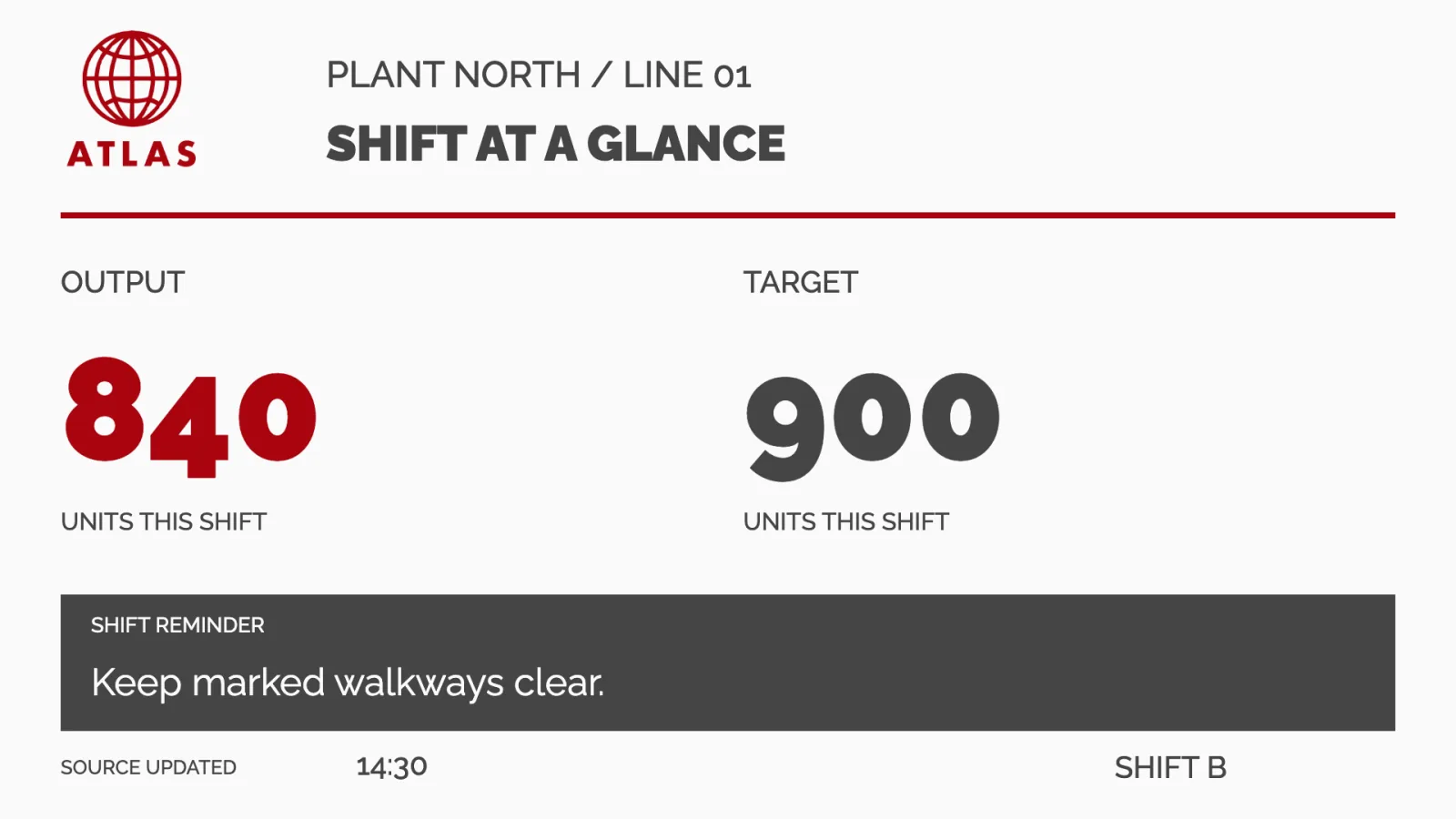
Check one representative screen during the intended shift. Change a source value and a local message, then confirm that both updates arrive and remain readable. Reuse the design elsewhere only where the data connection, access, and audience fit. Workplace communication for non-desk employees explores related uses beyond production.
Prepare urgent messages separately from daily updates
A safety notice for one line needs to reach that line. Before an urgent situation, agree who can publish, which screens should receive the message, and how it takes priority. Prepare the channel, targets, booking priority, and required access in advance.
Higher booking priority takes precedence over lower-priority bookings within the same playback area while the booking can play. It does not automatically replace the screen layout or take over every area. Correct subscriptions, schedules, and screen active times still matter. Publish urgent information explains that pattern.
A condition reported by another business system needs a separately configured and tested external-event setup. Connecting operational data does not make screens react to an alarm; that response is prepared separately in the layout. Routine boards and urgent responses can serve the same workforce, but each needs its own preparation.