Communication impact
Show a notice when another system reports an event
A building alarm, production incident, inventory condition, queue event, or service-status change may already be known to another business system. Screens can be prepared to show a notice when that condition starts and return to normal content when it ends.
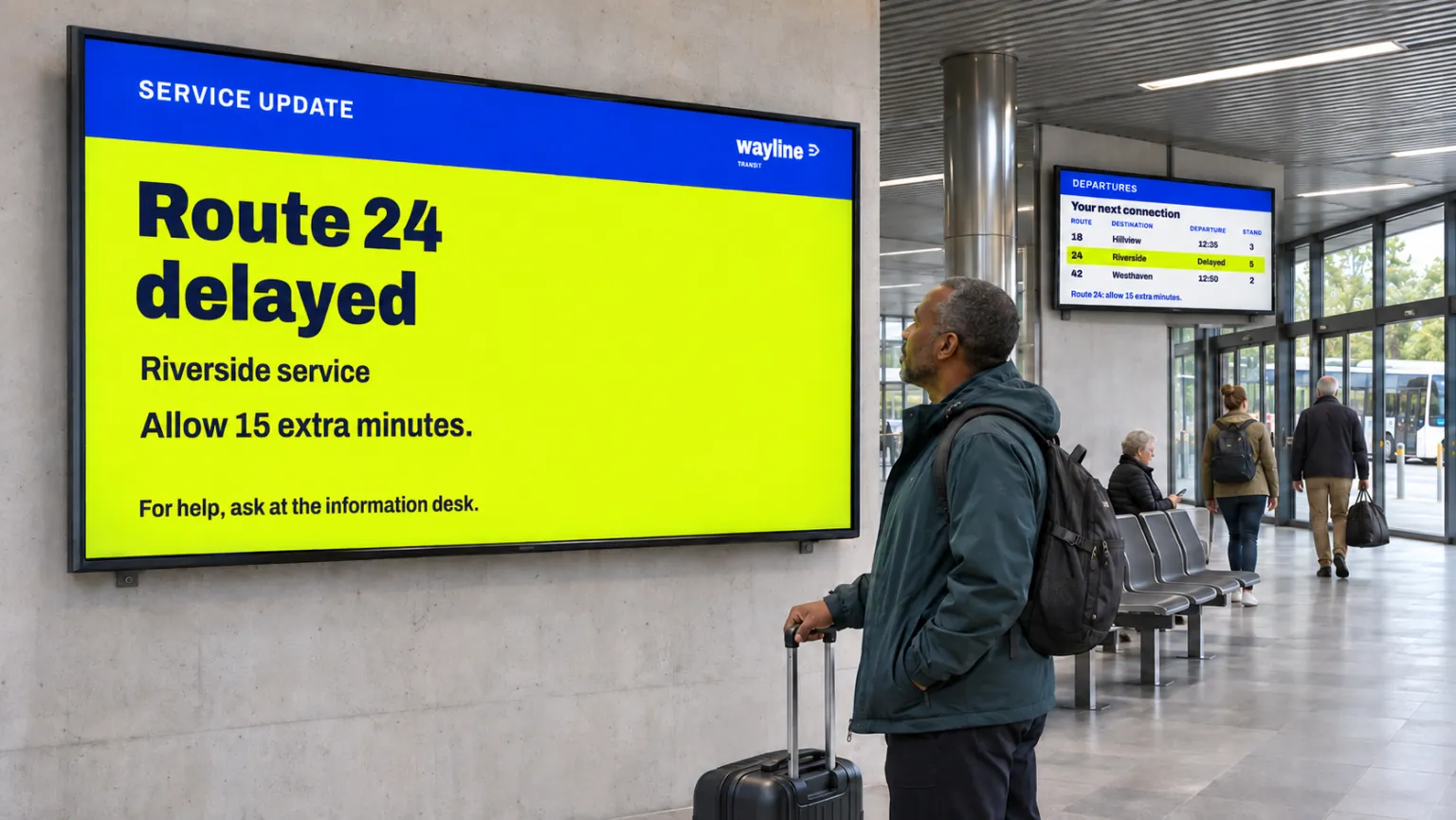
The useful connection includes both signals. Without a defined return, a missed resolution event or restarted player can leave a temporary notice on screen long after it is needed. Plan the whole response before connecting the external system.
Give the signal a prepared response
A screen layout can contain a normal Channel area and the layers for a temporary notice. Create two Webhook data sources, one for the start signal and one for the resolution signal. Configured template interactions connect each source to its own Show and Hide actions. A Webhook event responds to any request received by its selected source; different message values on one source do not select different interaction actions.
For a department's operational notice, the intended views could be:
- Initial playback
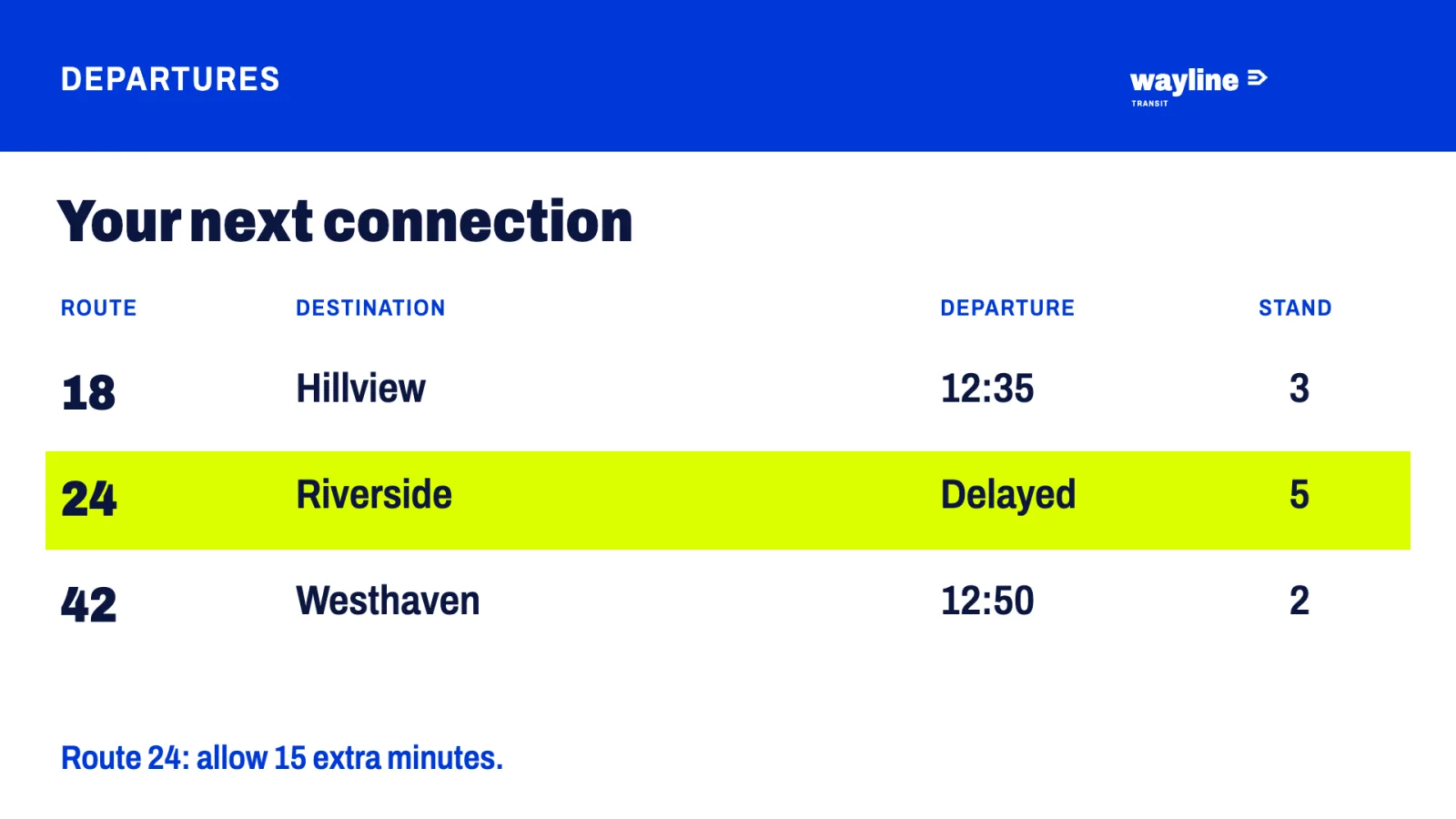
- Start signal received
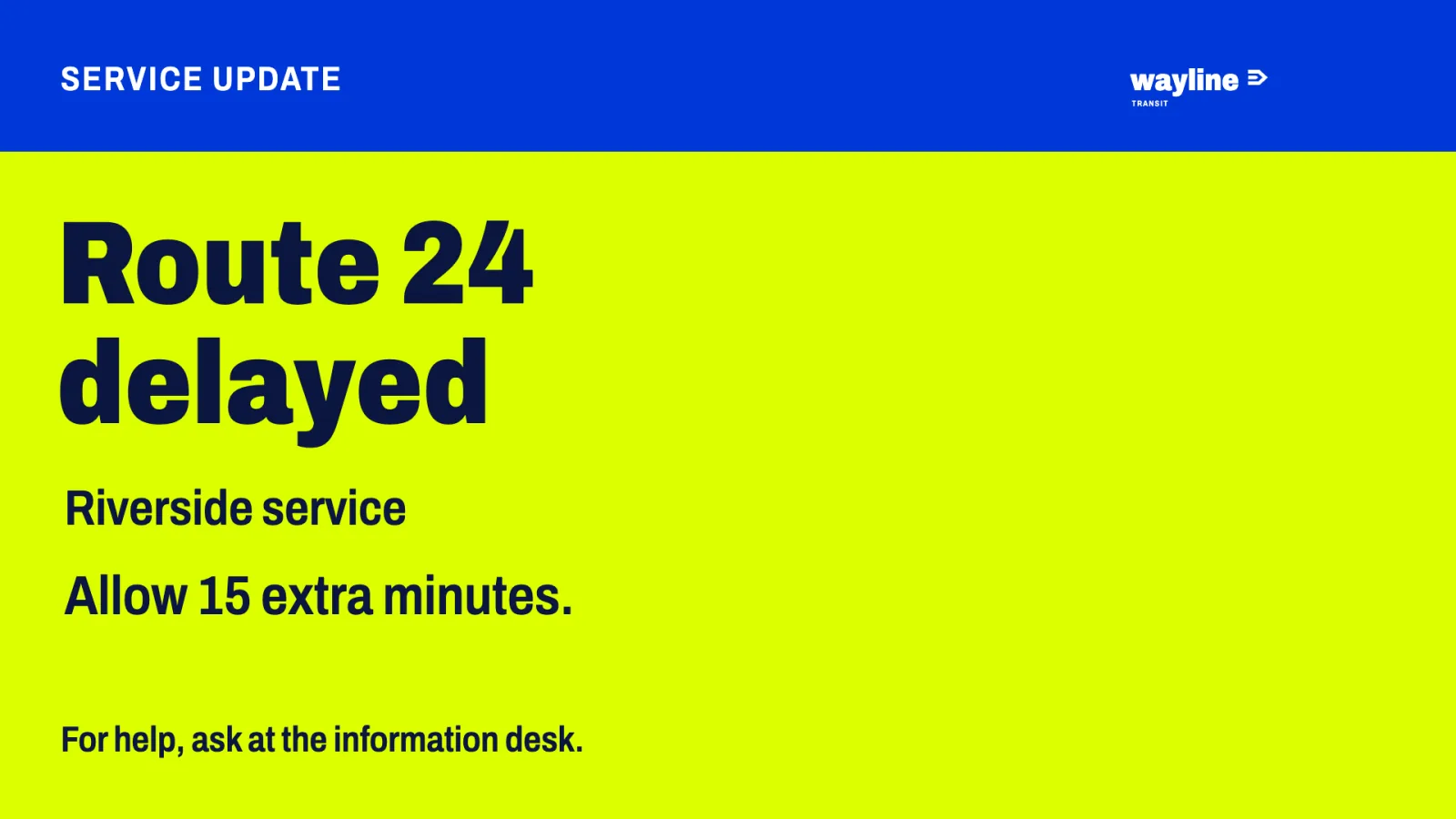
- Resolution signal received
| Point in the event | Normal Channel area | Prepared notice |
|---|---|---|
| Initial playback | Visible | Hidden |
| Start signal received | Hidden | Visible |
| Resolution signal received | Visible again | Hidden again |
The interactions must be authored; connecting a data source alone does not create these responses. Hiding the playing Channel area is also necessary. Its content is drawn in front of ordinary layout layers, so putting the notice above the channel placeholder in the editor does not make a reliable takeover.
Bookings and channels continue to define the screen's ordinary content. The signals change the prepared layout's visible areas, so restoring the Channel area does not require editing its booking. Interactions explains how to test the prepared responses.
Choose which screens participate
Assign the prepared layout to the intended screens. A folder-level assignment can give the response to screens and child folders inheriting Channels & layout. The channels and layout are inherited together. Configure screens and child folders with their own Channels & layout settings separately; they do not automatically adopt the folder's layout.
Apply a screen layout covers assignment. Preparing the full arrangement requires separate access for editing the design, authoring interactions, configuring the Webhook sources, and assigning the layout. Interaction-authoring access does not itself grant publishing, data-source, or layout-assignment access.
This can serve facilities, transport, healthcare, retail, industry, or public services where the external system and player combination have passed testing. Safety or operations teams define the condition; communications owns the wording; IT arranges signal delivery; administrators own access, targeting, layout assignment, and compatibility decisions.
Keep the integration's responsibility clear
Agree how the external system or partner integration sends the start and resolution signals to their separate Webhook sources in this installation. Only connected screens playing the prepared template react when a message arrives; messages are not held for an offline screen to replay later. The external system needs no Publisher user or publishing access; it only calls the webhook URLs.
A webhook only shows and hides what the layout has prepared. It does not activate, deactivate, publish, or edit bookings. For a person starting the takeover in Publisher, use Prepare screens for urgent messages. That is a different priority-booking workflow.
Test the return to normal content
Have the external system call the start signal's webhook URL, then check on an intended screen that the Channel area disappears while the notice appears. Call the resolution URL and confirm that normal content returns. Check every screen that uses the layout, and that the change arrives quickly enough for the use case.
A successful preview and first event are only part of validation. Check every intended player platform and version against the recovery cases:
- Repeated or duplicate start and resolution signals.
- Players being offline, then reconnecting.
- Player and server restarts.
- Playlist refreshes while the temporary notice is in use.
- A missing resolution signal and the agreed way to reset the screen.
Decide and test that reset so a temporary notice cannot remain indefinitely. Only extend the response to more screens once the complete behavior works on their configurations. The use-case library contains other ways to combine operational signals and ordinary screen communication.