Communication impact
Prepare screens for urgent messages
A temporary closure or service interruption is easier to communicate when the content and publishing arrangement are already prepared. The operator should be able to activate the right message for the affected screens, then return them to ordinary content when the incident ends.
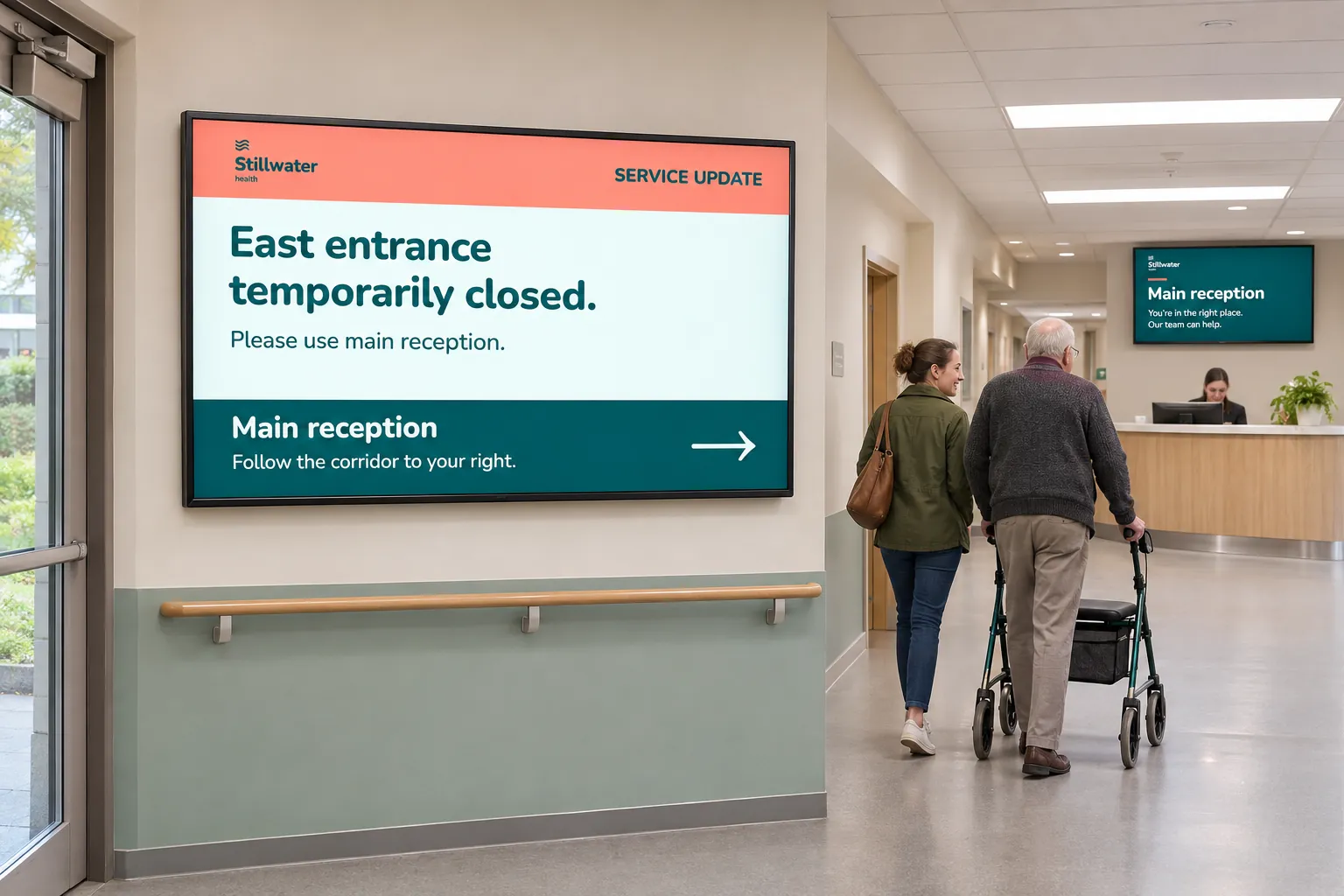
This article describes a person activating a prepared booking. It suits communications, safety, operations, healthcare, facilities, and public-service teams that need a time-limited change without editing every normal playlist or calling each location separately.
Prepare the booking before it is needed
A booking holds the message playlist, channel, targets, priority, schedule, and status together. With Urgent priority, it takes precedence over lower-priority content in the same playback area while scheduled. Equal-priority bookings rotate, so another Urgent booking can still affect what viewers see. On a screen layout, priority alone does not replace content in the other channel areas; prepare and test the intended coverage of the notice.
Decide which screens should receive the notice. The chosen channel reaches them only if they subscribe to it. Screen folders or tag folders can provide the booking targets without maintaining a separate list of individual displays. A healthcare notice, for example, may belong only in the affected ward rather than on every public screen.
Prepare an image or smart-media design for the message. Smart media can expose editable text fields for information that must change at the moment of use. Facilities teams might prepare a tenant closure notice; public services a crisis or interruption message; workplaces or healthcare teams instructions for staff, patients, or visitors.
The communications team owns the wording and design. Administrators prepare the publishing structure and access. The operator needs a clear activation and return-to-normal procedure.
Decide when the message must be able to play
A booking's schedule can use dates, times, recurrence, or dayparting. Choose those settings deliberately: a prepared booking cannot take over during a period when it is not scheduled to play.
If the notice must appear outside normal screen hours, the person preparing it needs Edit under Screens and must enable Override screen active time. Even then, the screen must receive and play the update. Confirm the actual device's response during preparation.
Once the channel, targets, schedule, priority, and playlist are ready, keep the booking inactive or save it as a draft. The chosen approach determines what the operator needs to do:
| Prepared state | When the notice is needed | When the urgent period ends |
|---|---|---|
| Inactive booking | Activate it with the required booking-status access. | Deactivate it again. |
| Draft booking | Publish the prepared draft with the required status access. | Deactivate it, or let its defined schedule end the urgent period. |
Normal scheduled content resumes after the urgent booking ends or is deactivated. See Booking settings for preparation and Other booking actions for activation and deactivation.
Rehearse both the takeover and the return
- Ordinary content
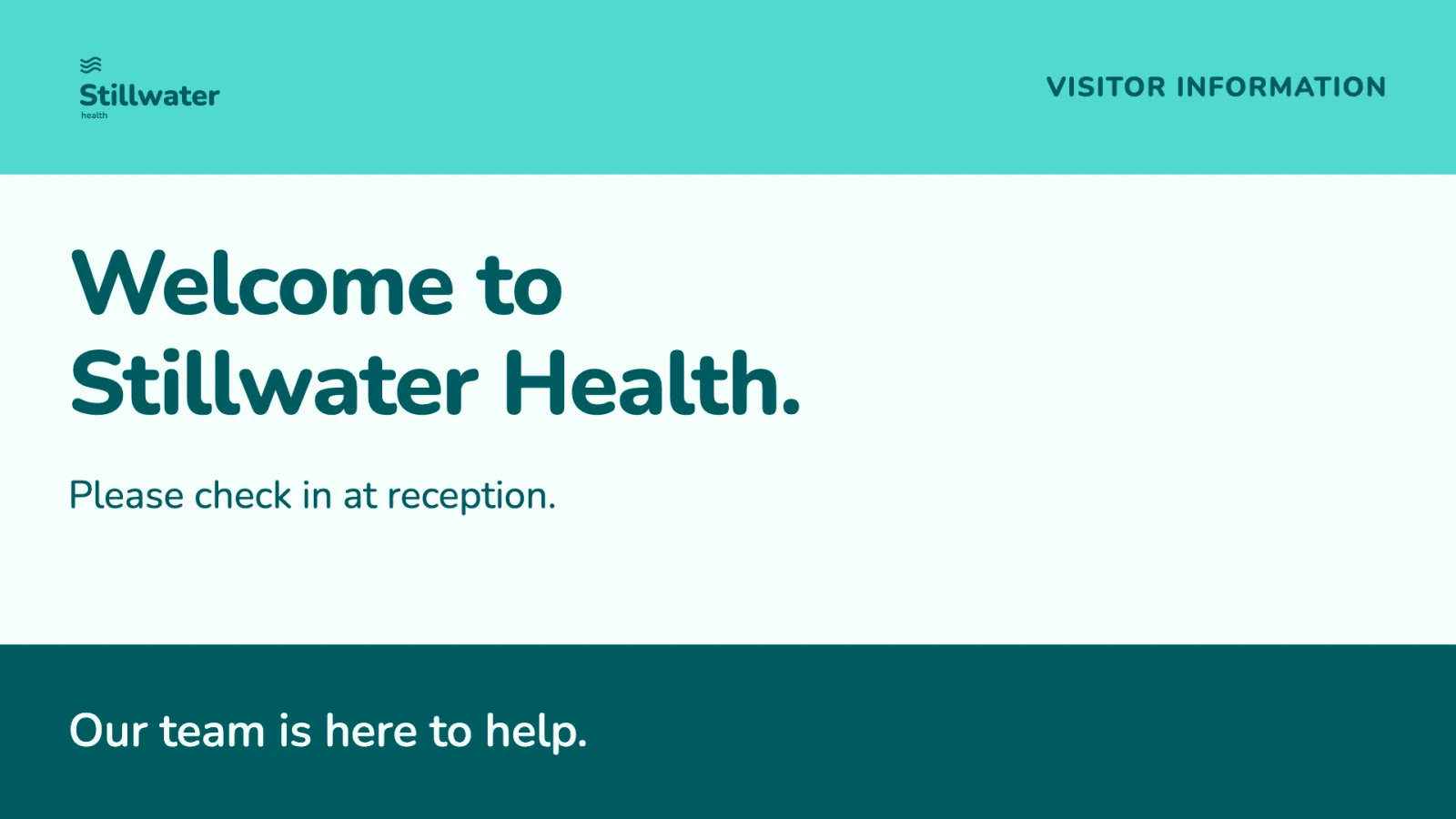
- Urgent notice
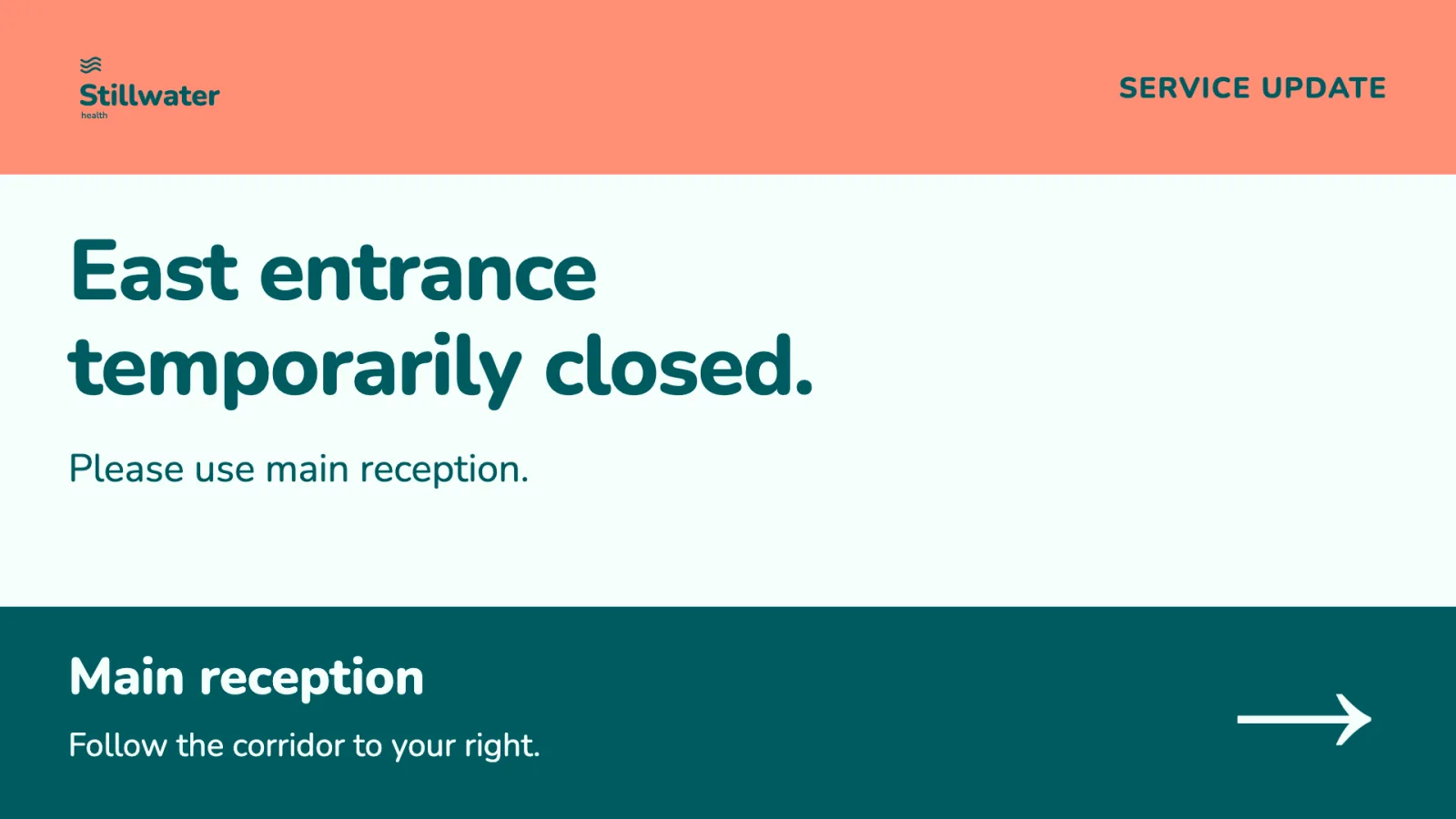
- Ordinary content returns
Test on a virtual test screen or a small group before relying on the message. Confirm:
- The operator has the access required for the chosen activation workflow.
- Intended screens subscribe to the channel and match the targets.
- The schedule and priority produce the expected takeover, including any other Urgent bookings.
- The active-time override works on the intended devices where it is needed.
- Ending or deactivating the booking restores ordinary content.
Creating and configuring a booking is a different responsibility from activating one that is already prepared. Agree the handoff and arrange access ahead of time, so preparation does not leave the eventual operator unable to act.
Use a different approach for a signal from another system
Routine safety reminders and live counters use ordinary content and data connections.
If another system should signal the beginning and end of a condition, use a separately prepared external-event response. That pattern changes a layout and requires its own integration and player validation. The external system only triggers what the layout has prepared; bookings and publishing stay in Publisher. Other use cases cover the normal information that can return once the urgent period is over.