Communication impact
Reach employees who don't work at a desk
Employees on a production line, in a ward, in a store, or at a public facility may not open email or an intranet regularly during a shift. A screen in their work area can bring updates into the working day, alongside briefings and the other communication they already receive.
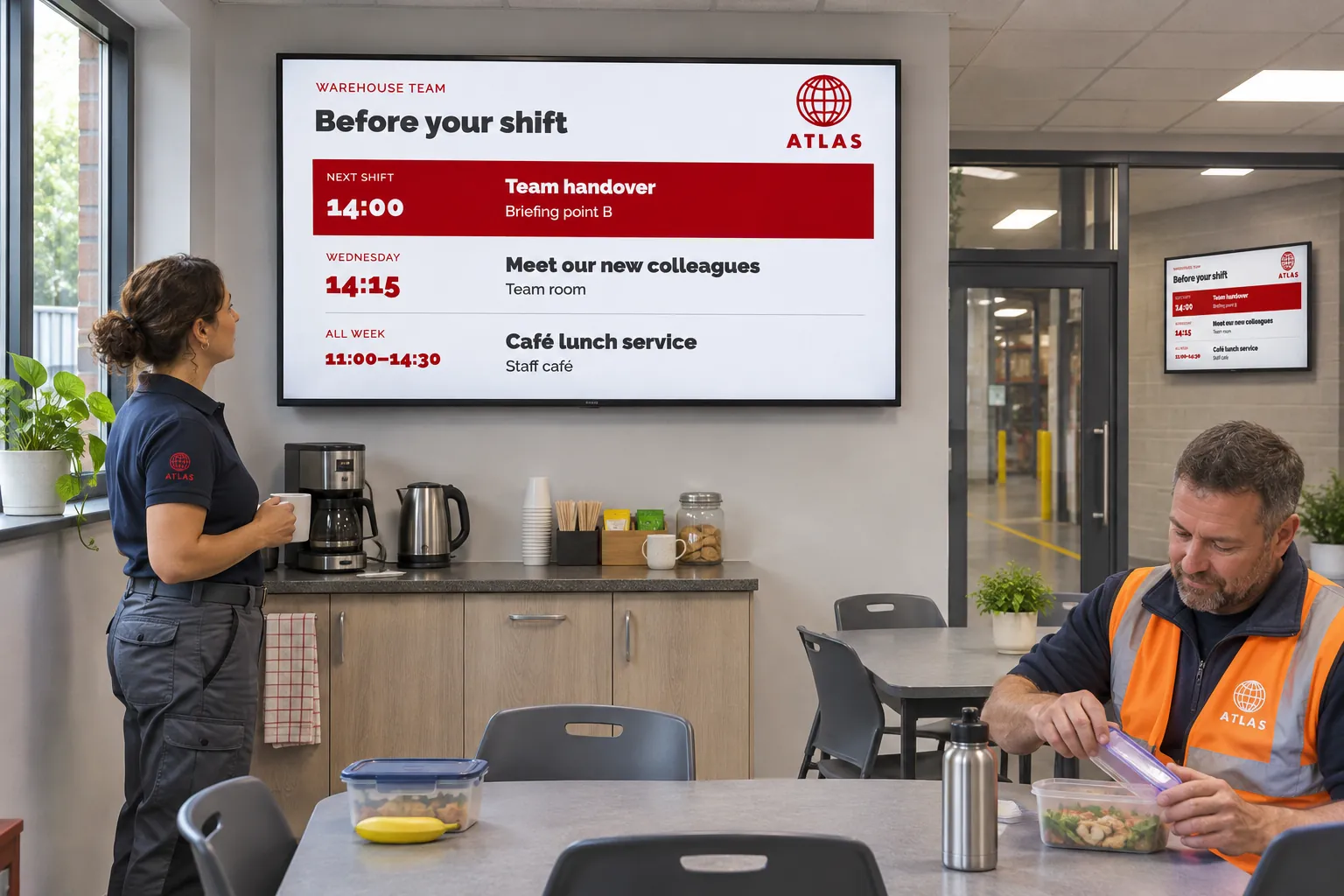
The content needs to fit that audience. Generic company messages alone will not replace a missing production target, a changed activity schedule, or an announcement for the next shift. Start with what employees need in that place and who keeps it current.
Combine operational information with employee news
Consider a production department that wants its KPI board and local notices on shared screens. Operations already maintains the figures, while a local manager knows which announcements matter to that team. Keeping those sources separate lets each owner update their information without recreating the whole display.
Templates and smart media provide reusable designs for messages, KPI boards, and counters. Choose the source according to how the information is maintained:
- Structured operational values can enter a design through template data sources when a supported connection exists.
- An existing dashboard can be displayed as webpage media.
- An exported board can be published as a supported document, with someone responsible for replacing it when the report changes.
Screens make the source visible; they do not supply the operational system themselves. Queue or service-status views also depend on a suitable external source and player support.
For employee news and local announcements, a feed lets staff maintain entries as a collection. An RSS data source connects the feed to a template that controls its presentation, so adding or changing an announcement does not require rebuilding the booking playlist. The RSS guide provides the setup.
Reach the right shift and work area
Channels organize the messages for an audience, and bookings schedule their playlists. A screen folder can give a production line, ward, department, store, or site a shared set of channels and settings.
The production department can publish its board through an operational channel and keep employee updates in a feed. If both must remain visible, a layout gives the dashboard and notices separate areas; Apply a screen layout explains how. When simultaneous display is unnecessary, the content can rotate in a playlist instead.
Schedule shift-specific messages for the relevant times. The same arrangement can serve different working days:
| Work area | Information worth bringing together |
|---|---|
| Production | KPIs, LEAN boards, improvement information, and shift messages |
| Ward or public facility | Employee news, activities, and service status |
| Store | Local operational notices and centrally prepared workplace messages |
| Shared staff area | Safety reminders, counters, and event information |
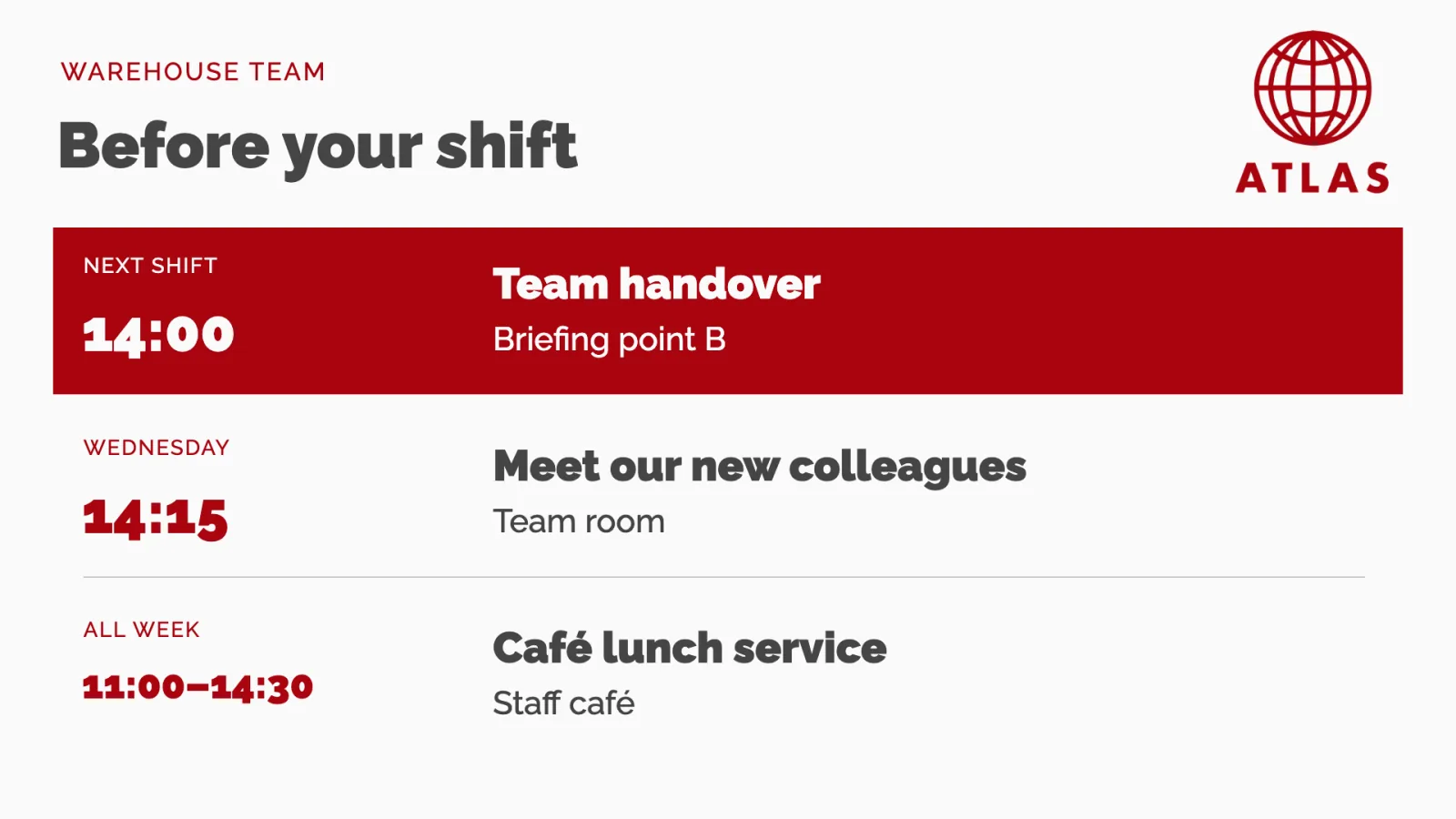
Room availability and event schedules can add another source where activities matter to the staff using the space.
Distinguish routine safety information from urgent notices
A safety reminder or live counter uses ordinary content and data connections. When an operator must temporarily replace normal content, prepare a priority booking and the necessary access through Prepare screens for urgent messages.
A notice started by another system is a separate arrangement. Show a notice when another system reports an event explains the prepared response and the integration and player testing it requires. Do not assume that displaying an operational value also configures an event response.
Make ownership part of the setup
Operations should own the status information, communications the wider news, safety teams their messages, and local managers the relevance of updates to the work area. Agree who reviews local content and which channel reaches the intended employees.
Before relying on the screen during a shift, change a feed entry or operational value and check it on the actual screen. That check matters more than simply seeing a finished design in preview: it confirms that the information can stay current. The wider use-case library offers related ways to support staff without treating screens as a replacement for every other form of communication.