Brand and experience
Coordinate promotions and advertising across stores
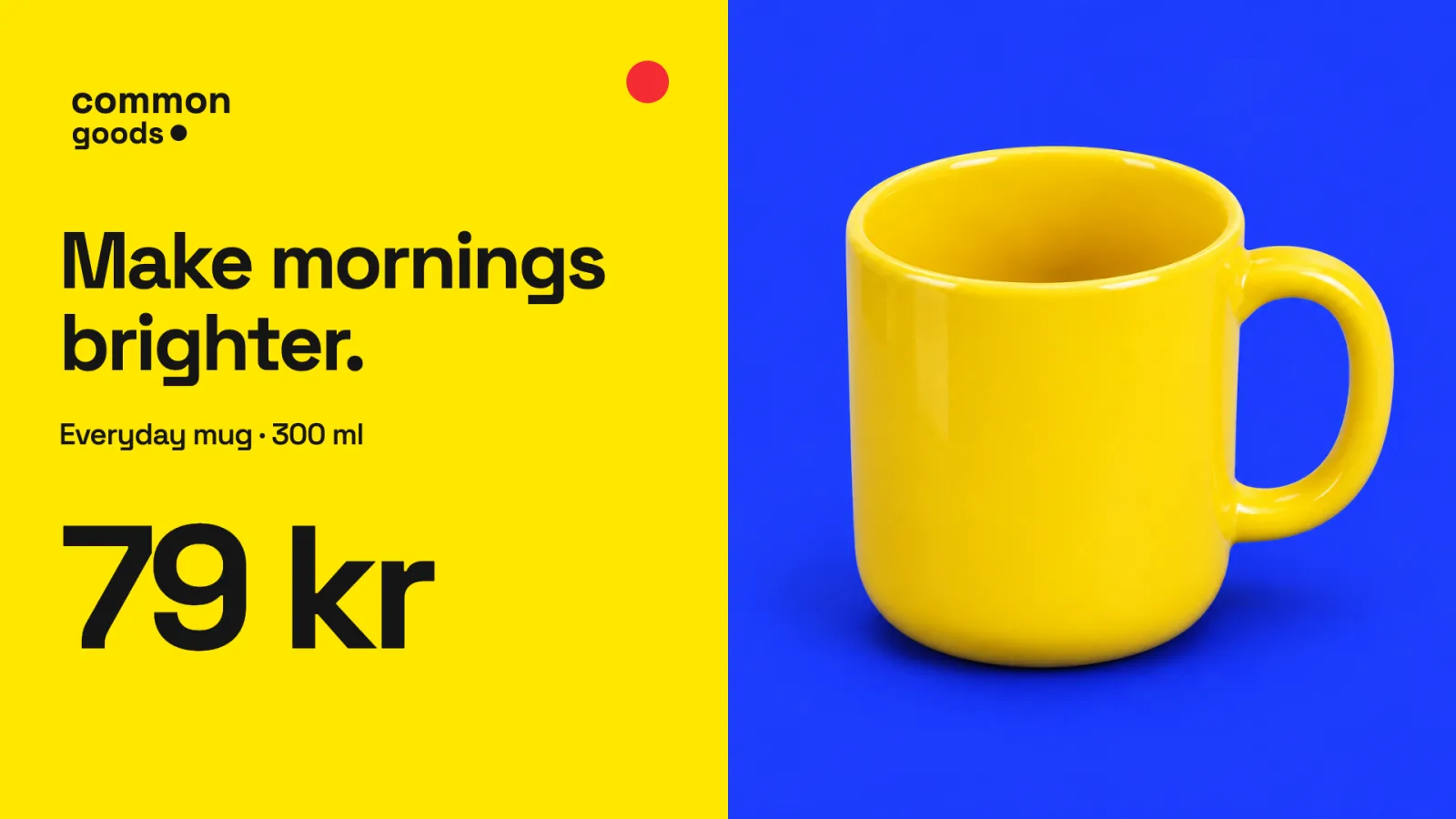
A retail campaign may use the same offer design across many stores while prices, opening hours, and local notices differ. Each screen may also have other work to do: show a menu, provide queue information, or create ambience. The campaign needs a defined place in that mix, with clear dates and an agreed audience.
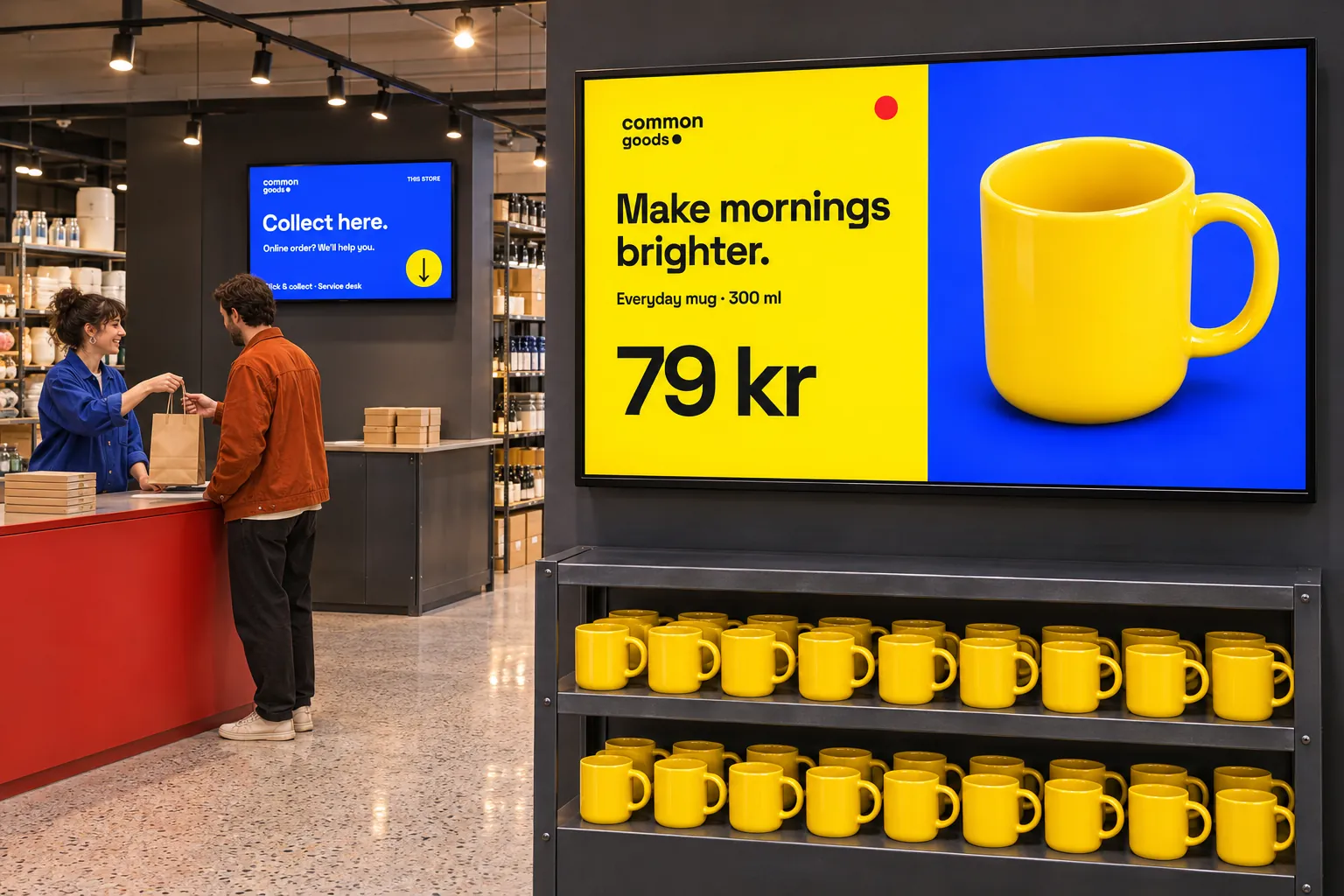
Without shared planning, stores can start campaigns at different times or leave an offer visible after it ends. Copying prices and product information into separate screen assets creates another set of facts to maintain. Decide who owns the campaign, local information, and source data before preparing the screen content.
Give the campaign an audience and a schedule
Screen folders organize stores by location, region, or format. Tags and tag folders can select an audience that crosses those boundaries. The central team prepares a booking containing the offer playlist, start and end dates, intended channel, targets, and publication state.
Use separate channels for central promotions, local notices, and operational information. Local bookings can then remain in place when the campaign changes. Franchise and regional managers retain a place for local information without asking the central team to rebuild the whole display.
A matching target does not by itself make a booking play. The screen must receive its channel, and the publication state, schedule, and screen active time must permit playback. Scheduled campaigns explains these choices. Where review is required, save the booking as Waiting for approval so an approver checks the playlist, dates, channel, and targets before publishing.
Reuse the design while keeping local information current
Template Data Sources can supply product, price, menu, offer, queue, or audience information when a suitable source provides usable structured data. A menu or offer template can then use connected values while retaining a shared appearance. IT and integration teams maintain the connections; publishers maintain the campaign content.
Restaurants can also use manually edited menu boards where no connection is needed or available. Menu and promotional data compares those approaches. Webpages and supported streams are alternatives when a source already supplies the required view or playback format.
Check the source before planning around it. Queue information needs an external queue system. Audience information likewise needs a suitable external source and a supported connection. Verify that each business system can connect and that webpages or streams work with the chosen players.
Share the display without hiding operational information
A promotion across a store group can use a multi-zone layout to keep queue status or other operational information beside the campaign. Screen layouts can combine advertising, ambience, and information areas; the reception layout example explains how shared and locally assigned content can coexist.
Advertising playlists can rotate messages and schedule different content for different times of day. Agree whether central or local teams own each shared resource so that an advertising change does not displace store notices.