Brand and experience
Show live TV and streams alongside screen messages
A waiting-room screen may need to show TV while keeping service notices available. A patient room, hotel, or public venue may need a different balance of streamed content and local information. Handling the two as separate installations makes it harder for staff to coordinate messages and for support to know which system controls the display.
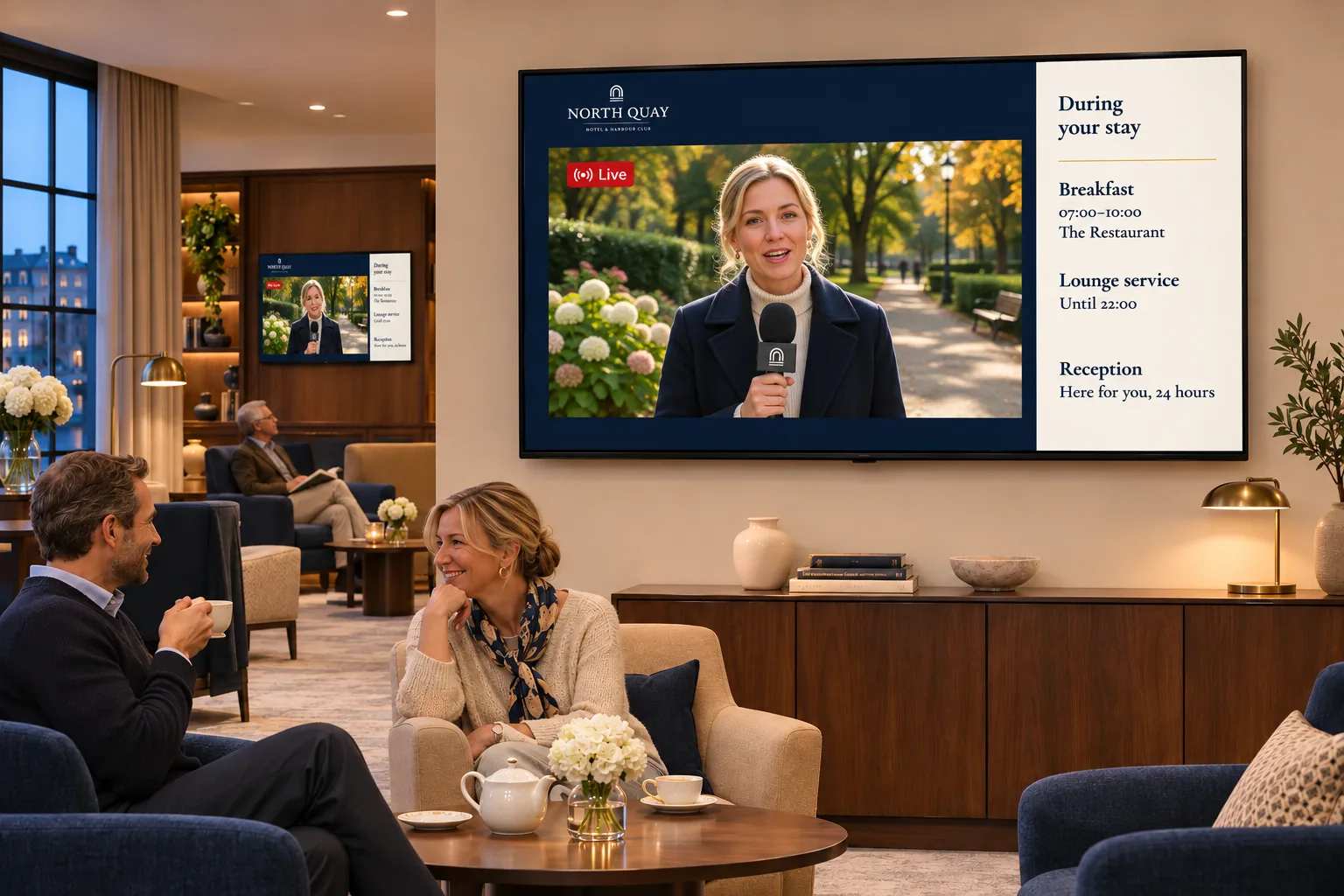
A supported stream can be scheduled in Smartsign alongside other content. Begin with the source and player, because they determine which presentation choices will work.
Establish that the stream can reach the screen
A stream address alone is not enough. Its format, authentication, network access, and playback must suit the chosen device. HLS is the recommended protocol for compatibility; other stream types need a compatible device and a reachable source. The Video Streams guide describes stream compatibility.
Streaming also changes the installation's network requirements:
- It needs a continuous connection.
- Each device downloads its own stream, so capacity must cover the intended number of screens.
- The organization must obtain the rights and licenses required to display the content.
Agree who maintains the source or integration. Communications and facilities staff need to know whom to involve when a scheduled stream is unavailable; IT and AV teams need to know which screens and combinations must work.
Decide how notices accompany the stream
For a waiting area, add a suitable source as video stream media and publish it through the intended channel. Prepare notices through the usual booking workflow, then choose how they share the display:
| Presentation | What to check |
|---|---|
| Stream and notices alternate | The complete playlist plays as intended on the target player. |
| Stream and notices appear together | The player supports the chosen combination in a multi-zone layout. |
| A stream forms part of a designed template | The media layer works with the surrounding content on the player. |
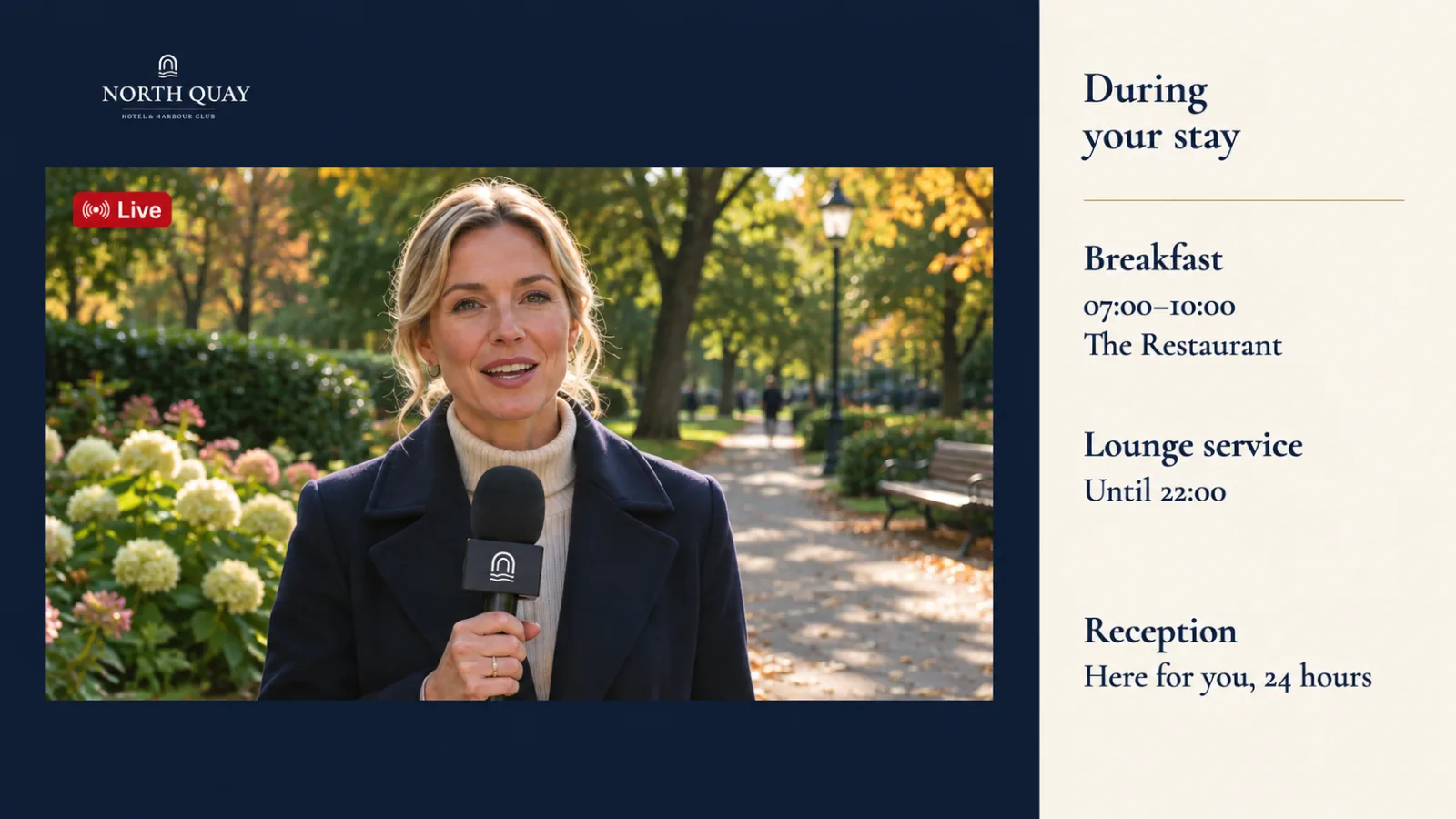
Channels organize streams and messages for their audiences, while bookings schedule when they play. Staff can maintain notices within that publishing structure without separately managing the stream installation.
Template Creator can add a stream as a media layer. Supported YouTube and Vimeo links can also be used this way, but their playback depends on the hosted service and player browser. A link working elsewhere does not prove that it will work on the intended screen. The Video Streams guide explains adding stream media and the restrictions for on premise installations.
Before rollout, test the full playlist or layout on the actual player, including network availability and the combination with other content. Check that the staff maintaining it have the necessary access. This establishes a useful distinction during support: a scheduling problem, an unavailable source, and an incompatible device need different follow-up.
Adapt the arrangement to the setting
A waiting area can combine TV with service notices. Hospitality screens can include streams within a wider information schedule. Healthcare deployments may use patient-room streams with messages supplied by a separate channel. These arrangements involve facility or healthcare teams, communications staff, and the IT or AV staff responsible for the source.
Some IPTV and healthcare deployments use partner or custom integrations. These arrangements depend on the available source, integration, and player support; they are not a guarantee for every IPTV or healthcare system.
Limit access to patient-room content and operational sources to the staff who need it. When the information is better presented as structured values than a full stream, it can appear in smart media alongside or instead of video. Turn business data into screen content explains that choice.
For related applications, browse the other use cases.