Brand and experience
Keep patients, visitors, and healthcare staff informed
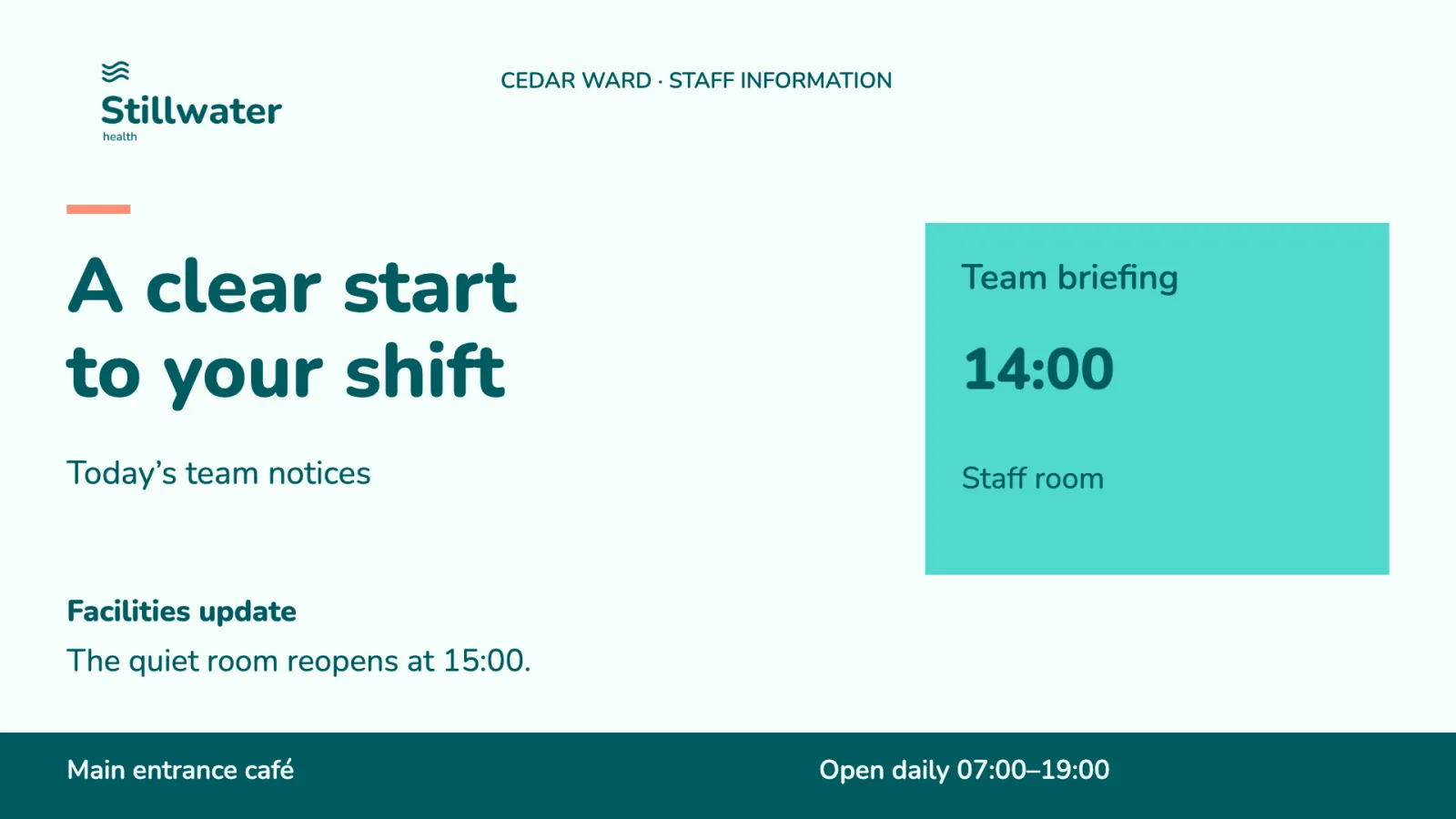
A hospital reception, ward corridor, staff area, and patient room serve different audiences. Visitors may need directions or queue information, patients may need service notices, and staff may need current operational status. Giving every screen the same content can be as unhelpful as asking every ward to maintain its own copy of a central message.
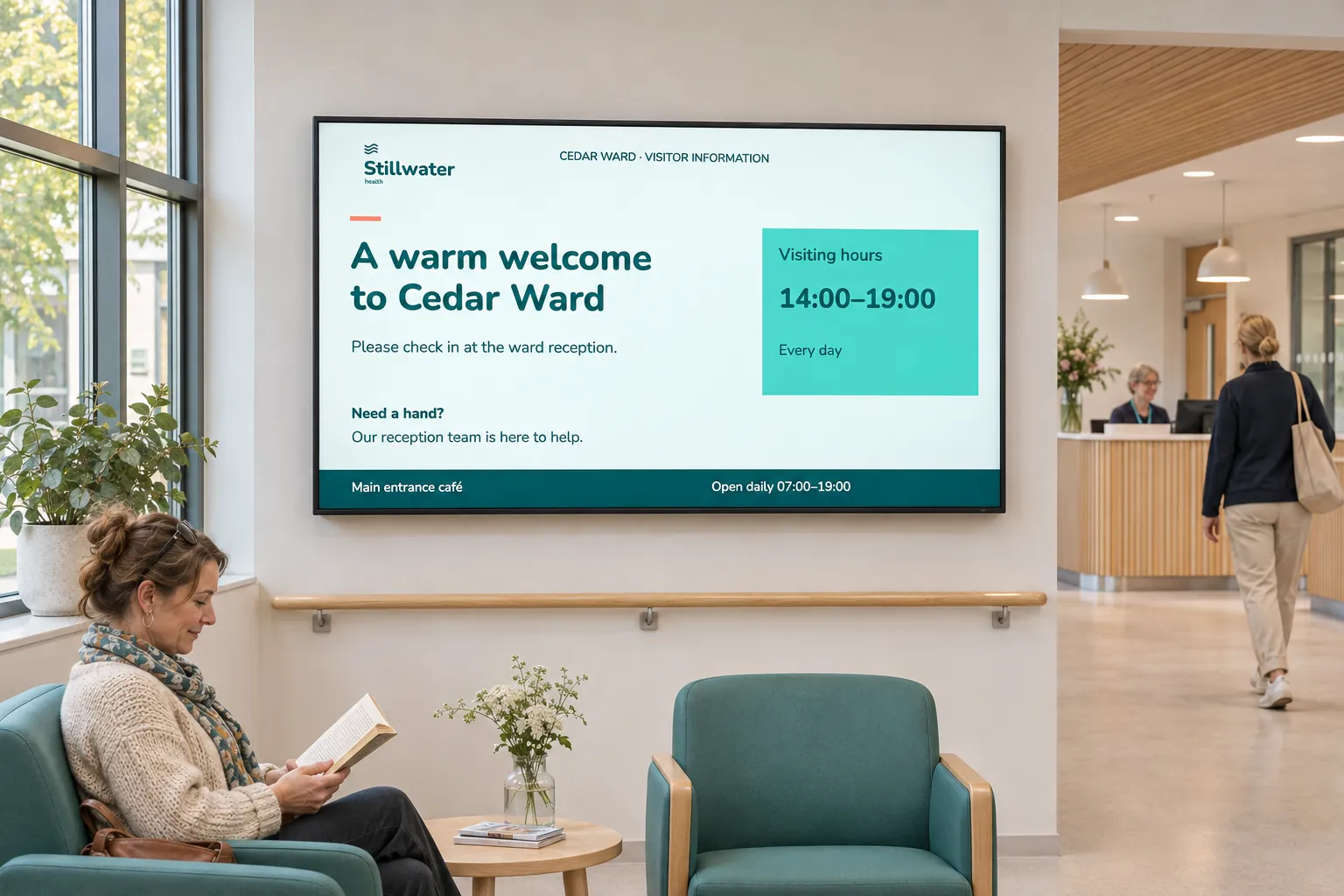
Plan what each audience should see and who will keep it current. A shared design can help people recognize the information, but it does not require sharing the same data or audience.
Start with the information needed in each place
| Screen location | Information it might provide |
|---|---|
| Reception | Queue information beside opening hours, directions, and public notices. |
| Ward | Regional messages together with local service announcements. |
| Staff-only area | Operational metrics alongside local instructions. |
| Patient room or waiting area | Supported TV or streaming content with scheduled messages. |
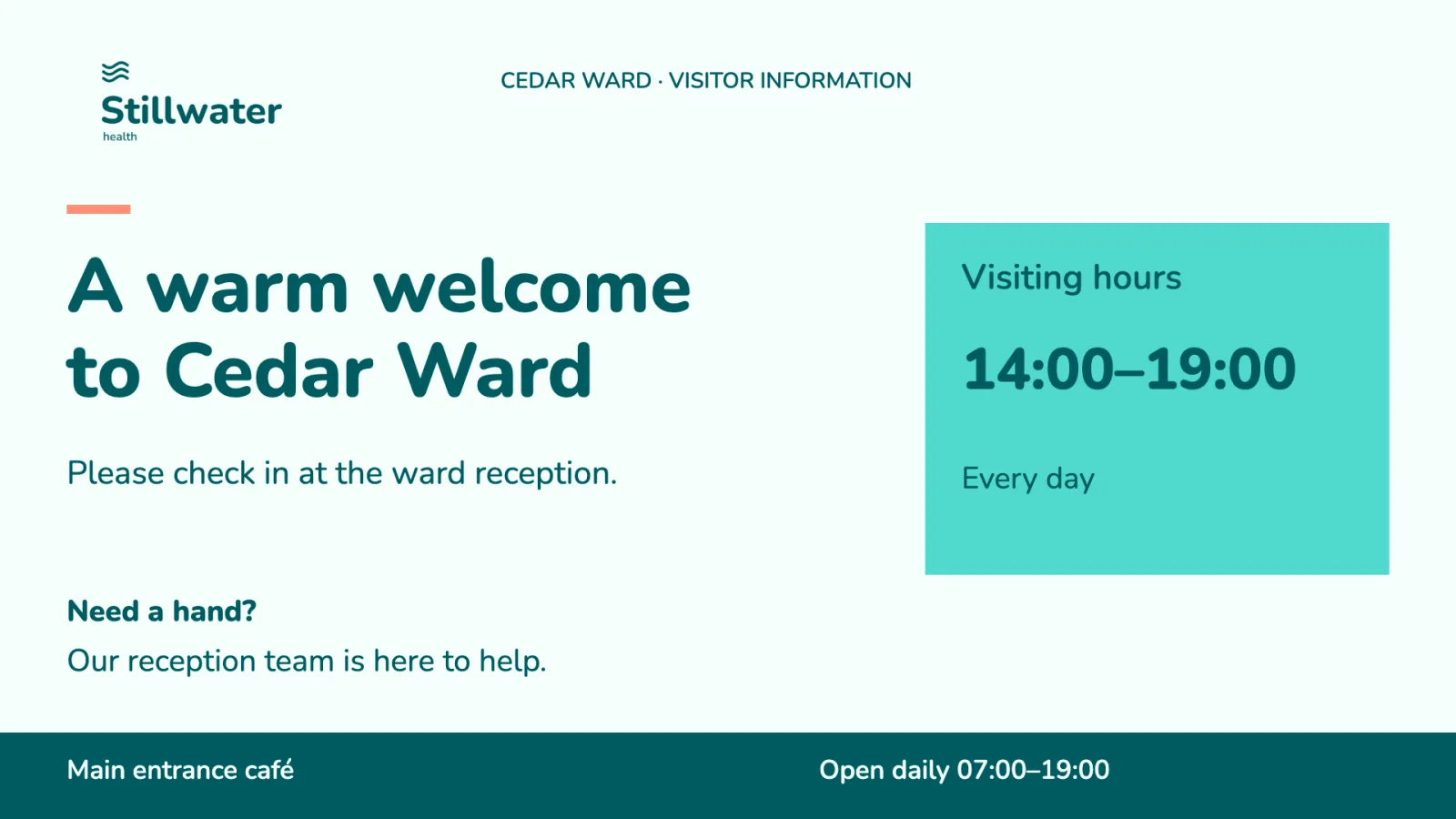
This arrangement can reduce repeated requests for directions while keeping local notices aligned with central communication. It also makes targeting important: information suitable for one ward or staff area may be inappropriate for a public reception.
Limit sensitive and location-specific information to the screens and users that need it. Ward teams, facilities, IT, and support should know which screens and content they maintain. Check both access and displayed content during rollout, including who can manage operational sources and patient-room content.
Combine central messages with ward-local information
A healthcare organization can give each ward a local channel, a screen folder, and access to its own content. The central team maintains shared notices and branded designs. Ward screens receive both the shared and local channels, using a common layout where information needs to remain visible together.
Channels separate central, local, and operational communication. Screen folders can supply common channel and layout settings for a location. Groups and user profiles determine which resources and actions local teams can use. Separate bookings let one team update its messages without replacing another's work.
Reception screens can receive a different selection suited to visitors, and staff screens can use a separate operational view. The reception example explains the screen arrangement; the shared and local publishing example explains how to share responsibility while keeping local access defined.
Connect the information and media each audience needs
A screen layout can keep several information areas visible. Webpage media can display a queue, dashboard, booking, or public-information view supplied by an existing system. A reception queue view still depends on the external queue system; Smartsign displays its information rather than supplying queue management.
A template data source can instead place structured operational or public information in a designed template. Check whether the healthcare systems you use have a supported connection before planning around their data. Operational dashboards explains the source choices, and secured web views covers the page, authentication method, playback mode, and player conditions.
For patient rooms or waiting areas, video streams can accompany other content where the source, integration, and player support the combination. Keeping streams in the publishing process helps teams coordinate them with scheduled messages. Live TV and streams explains the distinct source and playback requirements.
Prepare urgent communication separately
Routine safety reminders can use ordinary media or editable smart media. An urgent notice needs a publishing setup agreed and tested before an incident; urgent publishing explains that preparation.
When another system reports the condition, use the external-event pattern only after validating the relevant player and recovery behavior. Keeping this preparation separate from everyday notices lets local staff maintain routine information without having to improvise how an alert should work.