Feeds
Smartsign allows you to create your own RSS feed directly in the system. This is useful when you want to publish internal news, announcements, or other updates to your screens without relying on external sources.
Each feed generates a standard RSS XML link, which can be used in an RSS widget or any template that supports the RSS datasource.
RSS does not have a universal standard for including media files. Depending on how the RSS is displayed, images or attachments may not always be visible.
Using Feeds, you can publish your own posts that will appear in the custom RSS feed.
Each post can include:
- Headline – The title shown on your screens.
- Body text – The main content of the message.
- Media attachment – An optional image or file to accompany the post.
- Validity period – A start and end date/time that determines when
the post is active.
- Only posts that fall within their validity period will be included in the RSS feed and displayed on screens.
Before you start creating your feed posts, you need to create
the feed and set up a datasource.
Follow the steps in the
Feeds configuration guide
to learn more.
Create messages in your feed
- Go to Management and Feeds.

- Click the feed you want to edit.
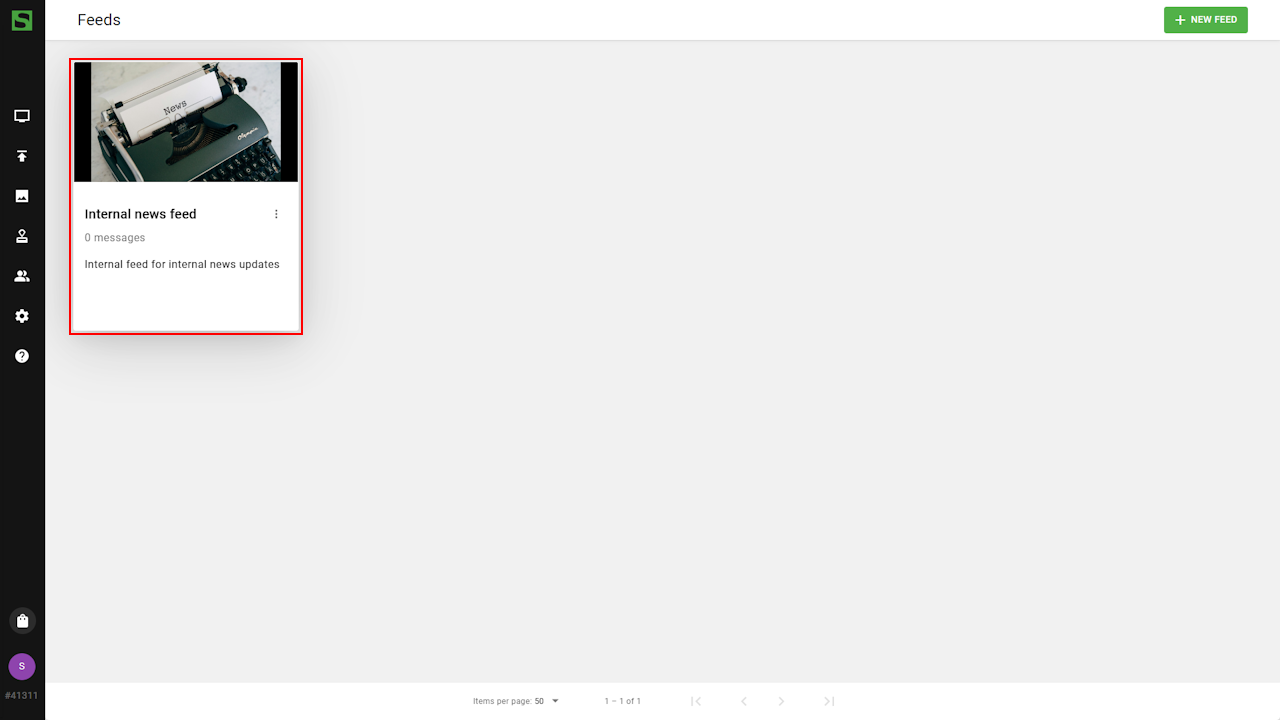
- Select the Feed tab.

- Click New Item to create a post.

- Enter the message and click create to save.

- Post will soon appear on screens showing this feed.
