External sources
With Picture-in-Picture (PiP), a screen can show the signal from one of its video inputs, such as HDMI or DisplayPort, as part of the screen layout. You add the input to the layer or channel of your choice, just like other media.
Supported devices
- Qbic BXP-301, BXP-321 and BXP-350
- Samsung displays with SSSP 5.0 or later
- LG webOS Signage displays
Which inputs are available depends on the player and screen model.
Show an external source
- In the playlist where you want to show the input, select Add media -> More -> Video stream.
- Under Input, select the input that the source is connected to, for example HDMI 1.
- Select Add video stream.
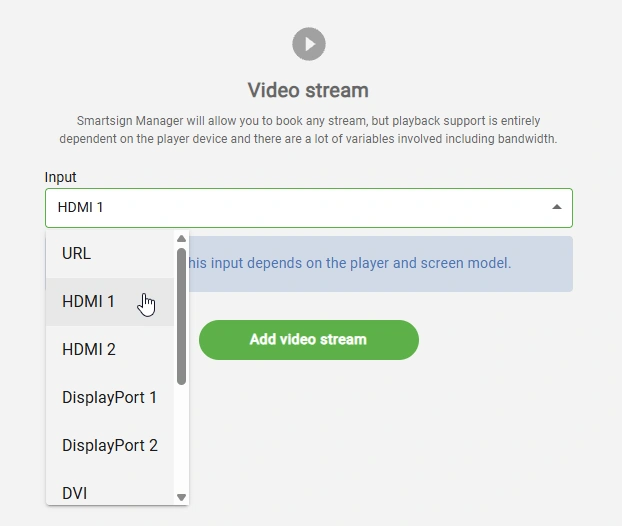
To play a regular stream from a web address instead, select URL as the input. See Video Streams.
Limitations
An external source counts as video playback. Most devices can only play one video or input at a time, so you can't show an input and a video at the same time, for example on different layers.