Manage feeds
Feeds allows administrators to create and manage custom RSS feeds that can be used across the organization. These feeds provide a centralized way to distribute internal messages, announcements, and time-sensitive updates to screens using RSS-enabled templates or widgets.
Administrators are responsible for creating feeds, configuring access, and ensuring the generated RSS links are available for use in templates and datasources.
How feeds work
A Feed in Smartsign automatically generates a standard RSS XML URL. This URL can be added as an RSS datasource and then used to display posts in templates or RSS widgets.
Learn how to create RSS datasource and connect to a template in the RSS Datasource guide.
Users with appropriate permissions can create posts, which are then included in the feed as long as they are within their validity period.
Create a feed
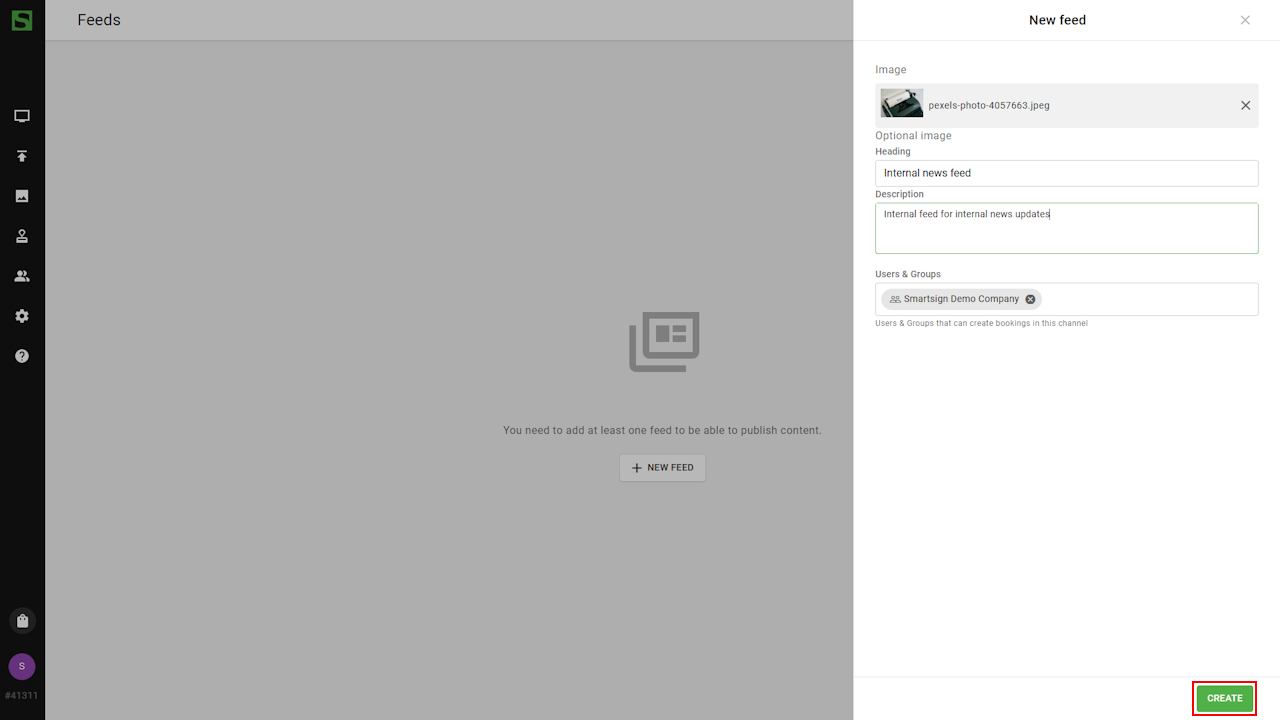
- Go to Management and Feeds.

- Select New Feed.

- Enter name, thumbnail image and description for the
feed and click Create to save.
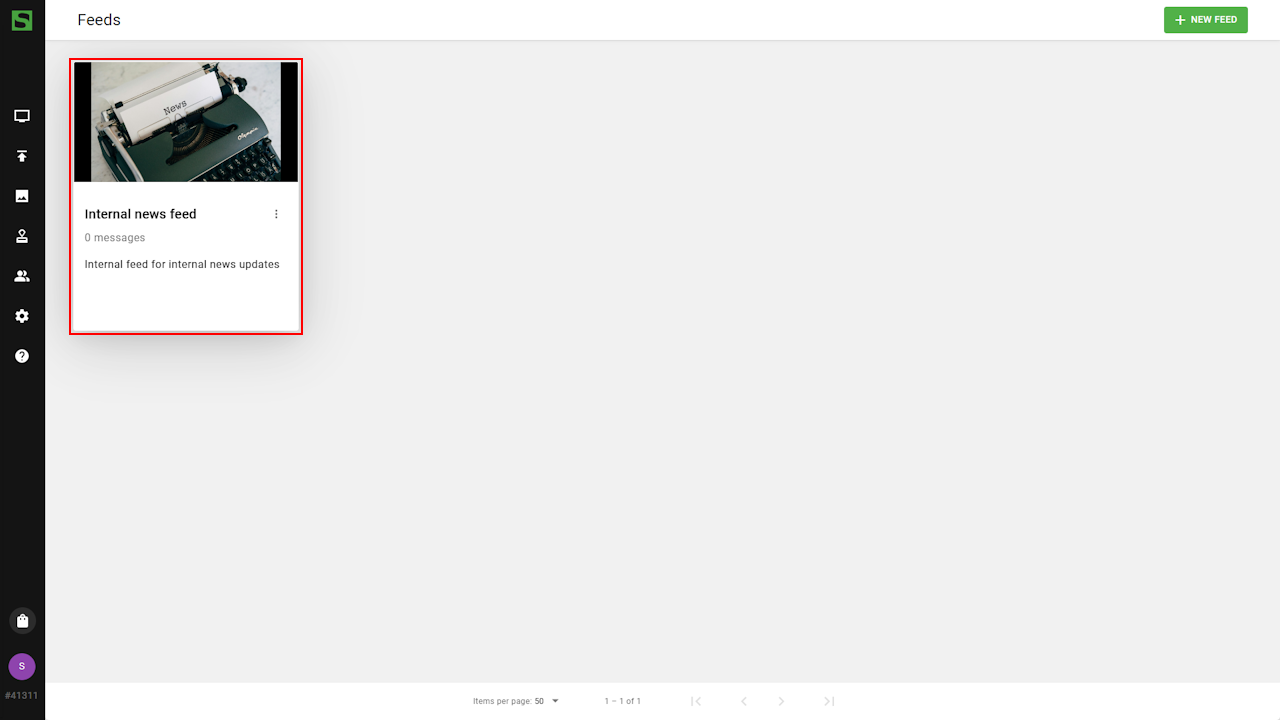
- Click on the feed thumbnail to open details.
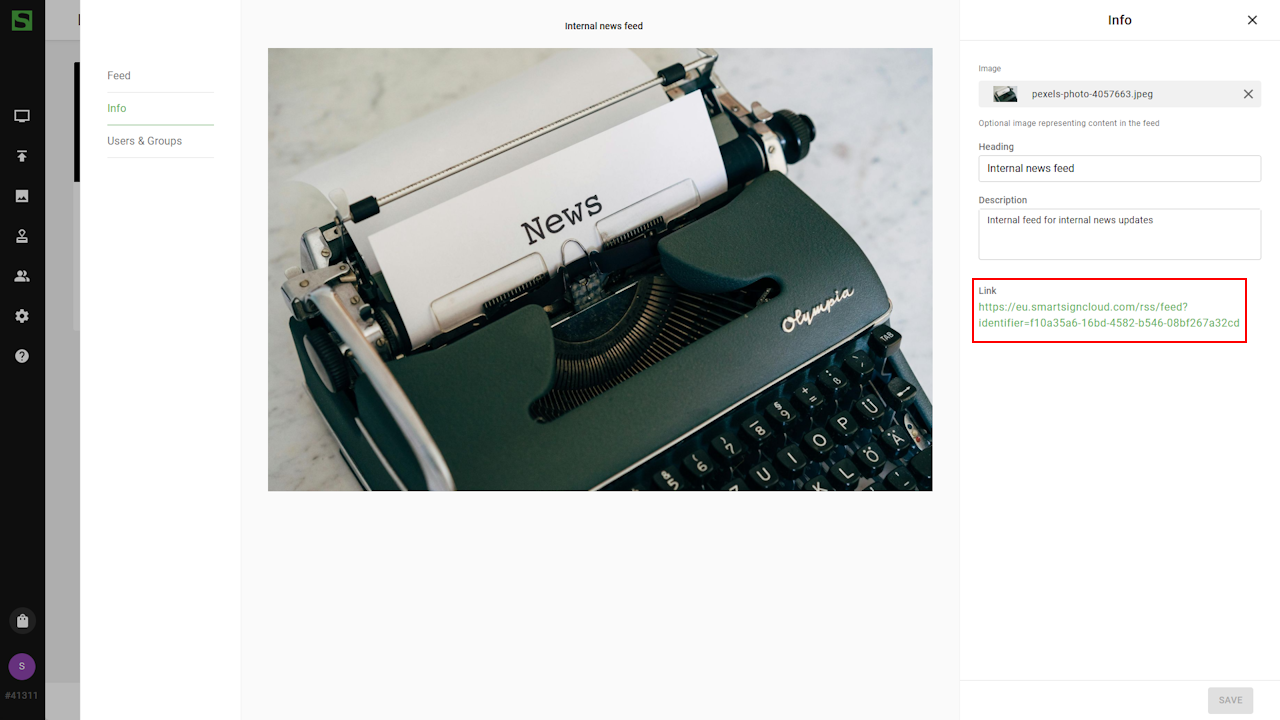
- The details page displays the feed’s RSS URL, which can be copied
and pasted into an RSS datasource.
You can now start publishing messages in your feed