Publish and sync Google Docs, Slides, and Sheets
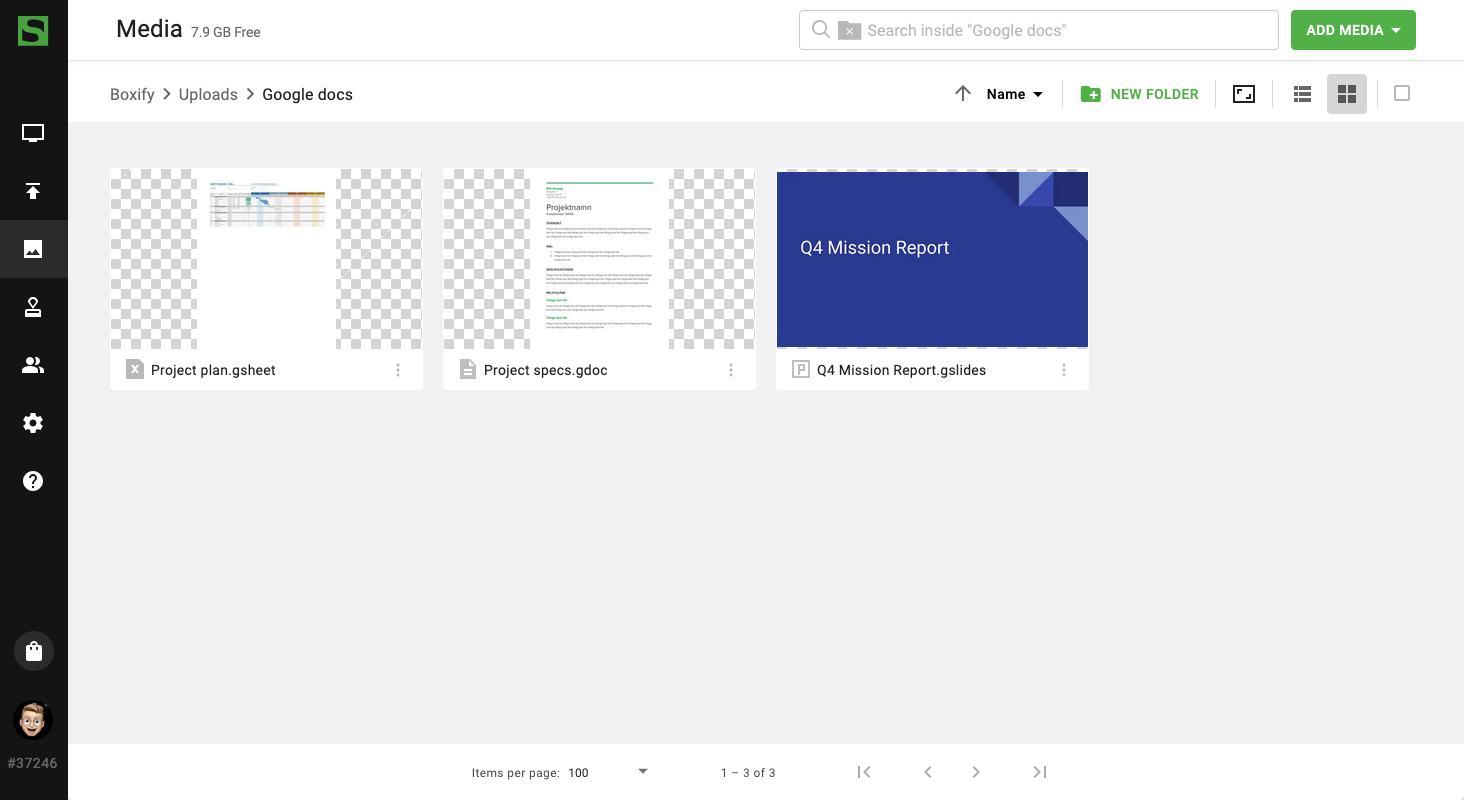
Users can now add Google Docs, Slides, and Sheets to the media library and publish them on screen. Files can also be synced from Google Drive, so teams can keep working in Google Workspace while Smartsign keeps screen content up to date.
With this feature, users can:
- Publish Google Docs, Slides, and Sheets to digital signage screens.
- Sync files directly from Google Drive.
- Automatically keep screen content updated when the original file changes.
- Reduce manual exports, downloads, and duplicate uploads.
- Manage content in Google Workspace while Smartsign handles publishing.
This is ideal for organizations that use Google Drive as their main content hub and want a simpler way to publish documents, presentations, and spreadsheets to screens.