Analog clock now available in Template creator
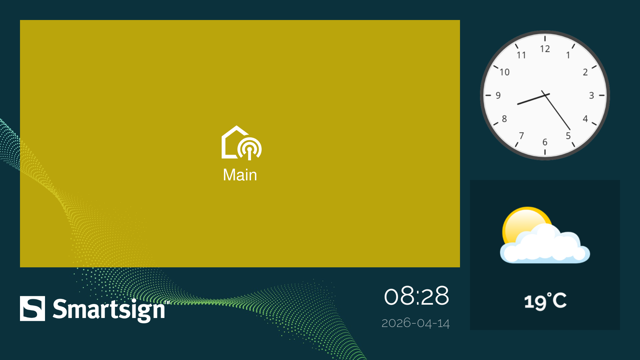
We've introduced a new analog clock data binding that allows designers to display the current time as a fully styled visual element directly.
The update includes:
- New data binding option: Datasource set to Time with Analog clock rendering on a circle layer
- Automatic square scaling to preserve the clock's shape when resizing
- Time zone selection with Auto or manual configuration
- Clock styles: Classic (detailed markers) and Modern (cleaner, simplified look)
- Numeral options: Standard (1-12) or Roman numerals
- Customizable colors for clock face, border, hands, numbers, and markers, including theme colors.
This enhancement enables designers to create dynamic, brand-aligned clock visuals without needing external assets, while ensuring the time always stays current. Templates, a layout, and a layout component featuring the Analog clock have also been added to the Marketplace for quick use and inspiration. The feature can be configured directly from the Data binding panel when working with circle shape layers.