Clickable data links and fetched data preview in data source details
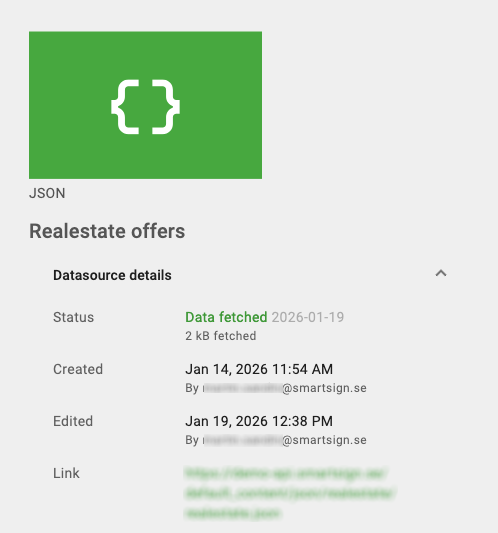
We've enhanced the data source details view to make it easier to access and verify source data directly from the interface. With this update, you can now:
- See a clickable link to the JSON, XML, or CSV file displayed below the "Edited" row.
- View the full URL, which opens in a new tab when clicked.
- Hide the link automatically when no valid data source URL is available.
- Click the Status "Data fetched" text to view the actual data that has been retrieved.
These improvements make it easier to validate data sources, troubleshoot issues, and confirm that the correct data is being used. The update is available for all users with access to data source details and requires no additional configuration.