Player update (firmware)
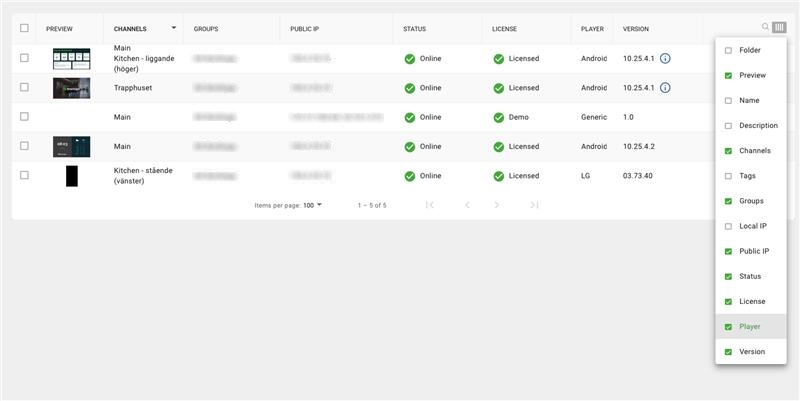
Users can update the player of a selected screen directly through a menu option in the screen list. The update option is only visible when a new firmware version is available and when the user has permission to upgrade players. Before starting an update, a confirmation dialog shows the firmware name and version. Once the update is initiated, a snackbar notification confirms that the request has been sent. The actual player updates are identical too Publisher 10, there are no difference in firmware versions et.c.
A optional column, "Firmware version," is available in the screen list. If an update is available, an ( i ) appears next to the version number with a tooltip indicating "update available." If the player already has the latest version, the tooltip shows "latest version."